
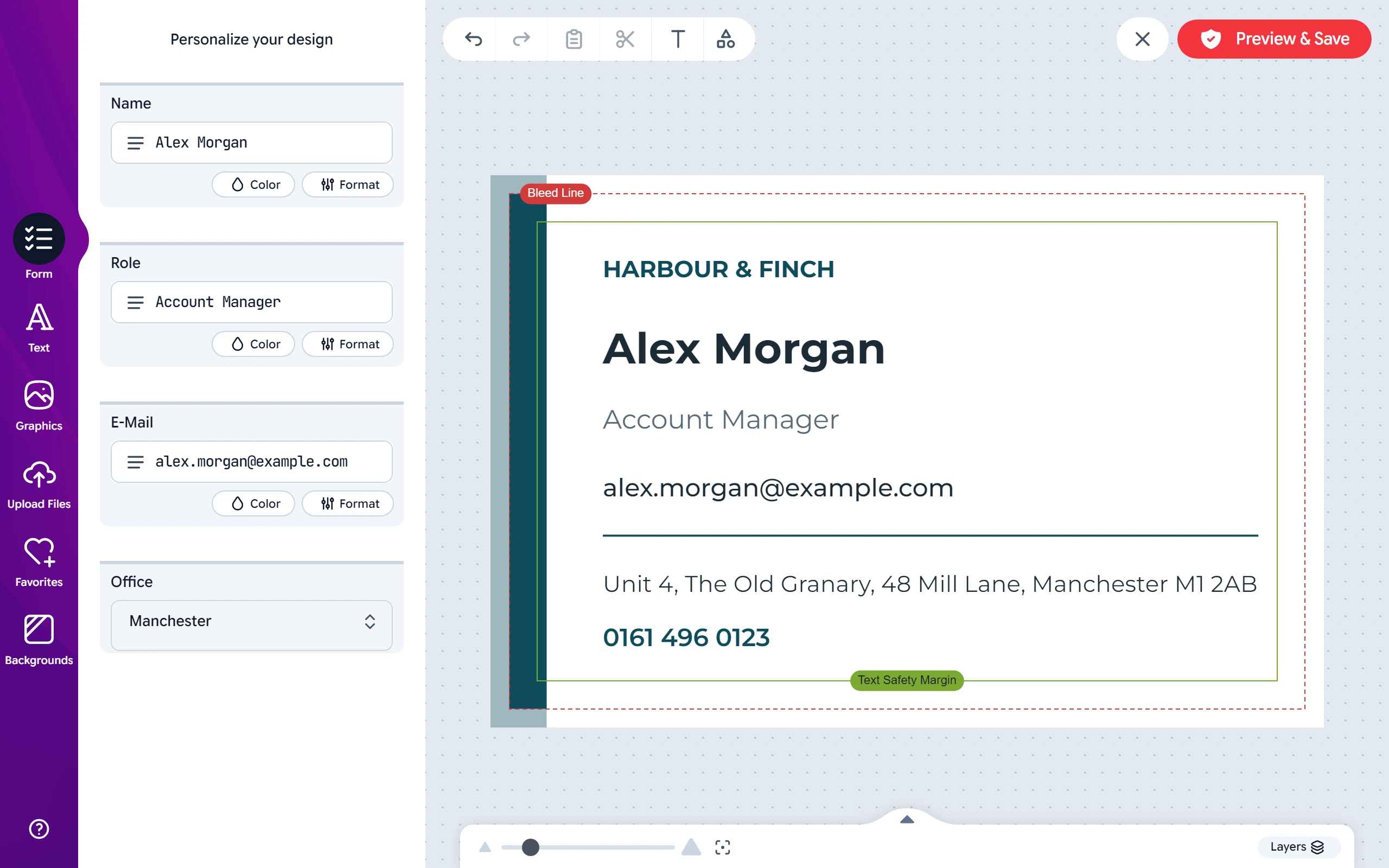
These are running editors, not pictures. Press Launch Designer and fill in the form the way your customer would. Nothing to install, no signup, and nothing is saved.
Pick another office. The address and phone number come from a spreadsheet.
A field is a named value, such as Office or Best before. Type its name in
curly brackets inside any text, Tel. {Office phone}, and the text shows its value.
Each field gets its value from one of four places.
| Source | What it is | For example |
|---|---|---|
| Customer enters it | A box in the form: text, email, phone, link, number, money, percentage, date, or a tick box. | A packing date, written on the label as 24 May 2028 whatever way it was typed. |
| Customer picks | A dropdown from a list you type, or from a column of your spreadsheet. | The office, from the Office column of Offices.csv. |
| From a table | Looked up in a spreadsheet you upload, by another field. The customer never sees it. | The address and phone of the office they picked. |
| Worked out | A formula over other fields, written like a spreadsheet formula. | Best before, 18 months after the packing date. |
Upload a CSV once, such as a list of offices, products or ingredients. A dropdown can offer one of its columns, and a field can look up any other column of the row the customer picked. When the list changes, upload the file again: every design that reads it follows, with no change to the designs.
[Field] for a field, & to join text, if() to choose,
date_add([Packed on], 18, "months") for a date and format_date() to
write it out. There are more than 50 functions, for text, numbers, money, dates, lookups, check
digits and QR codes. Under the formula, the panel shows the result for sample values, or what is
wrong with it.
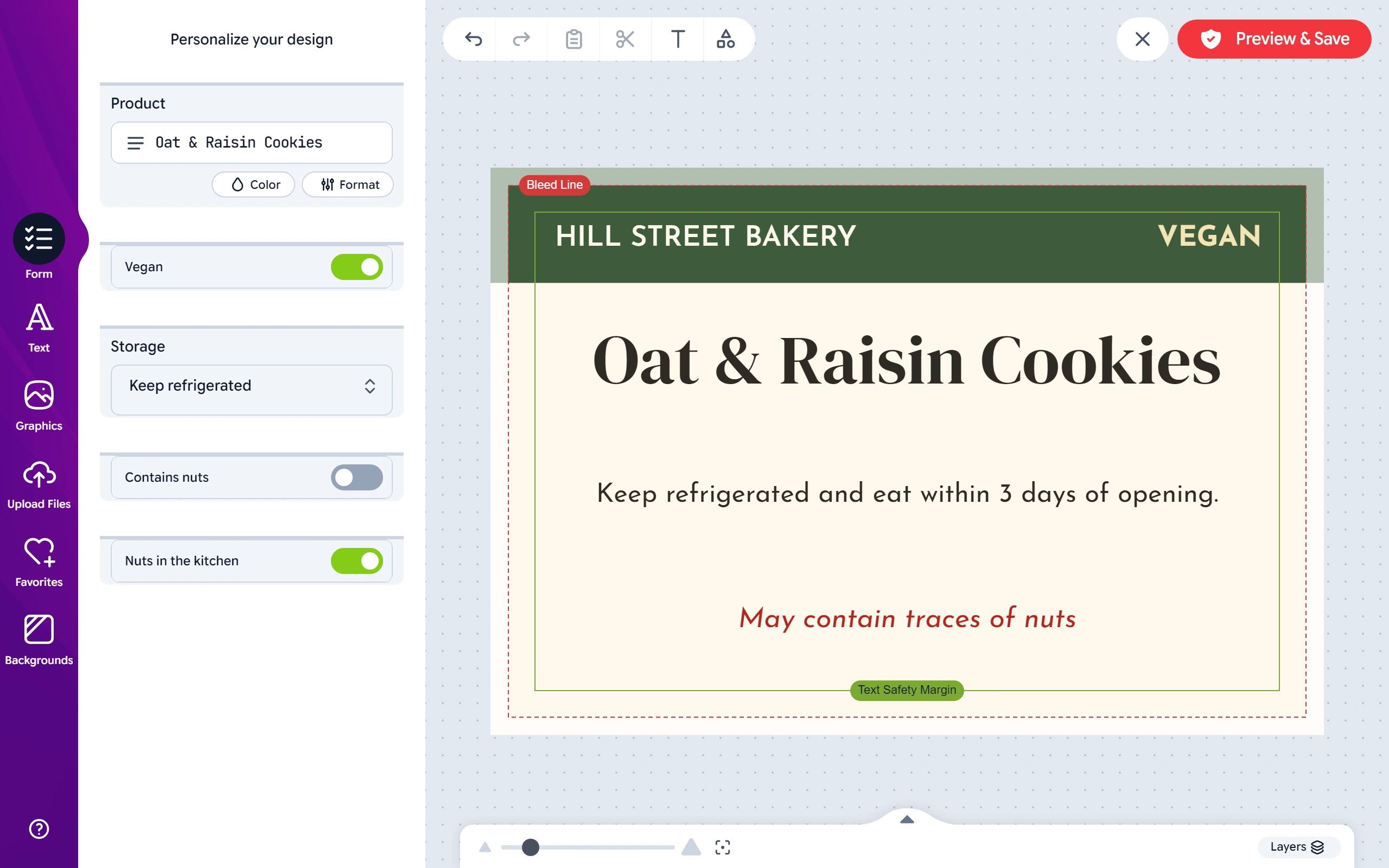
Any text, picture or shape can show only when a field is, isn't, is empty or is ticked. A badge appears when Vegan is ticked. The storage advice is one of three lines. A warning depends on two answers. A hidden item is left out of the preview and the print file.
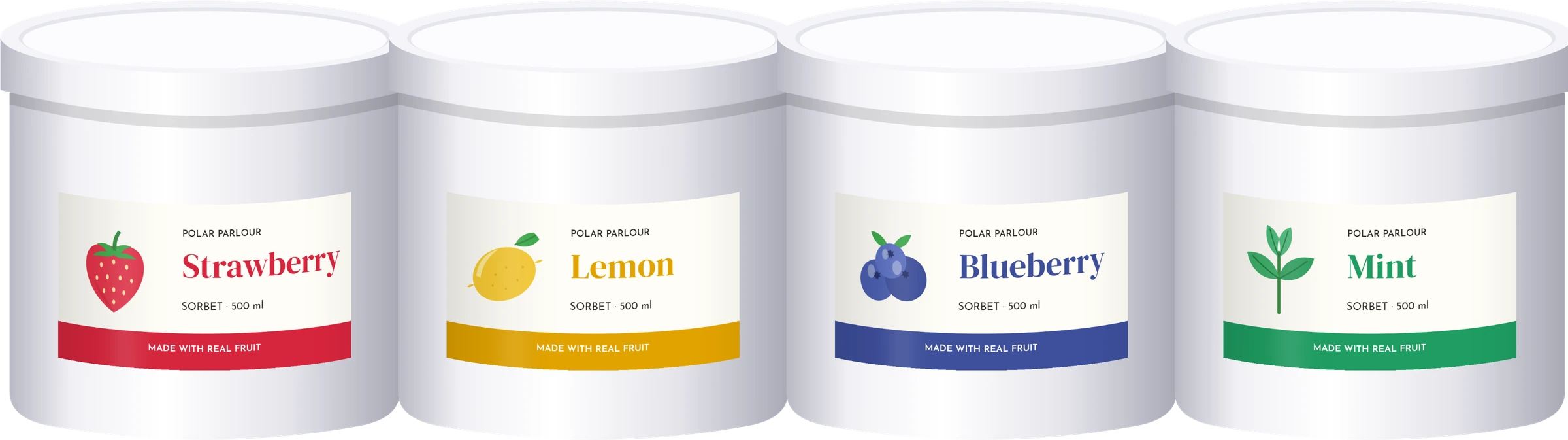
A picture frame can show the picture named like a field's value: Salted caramel picks
salted-caramel.png. Any item can take its color from a color field, so a flavor, a
team or a theme paints the whole design in its own colors, each printed in the CMYK values you named.
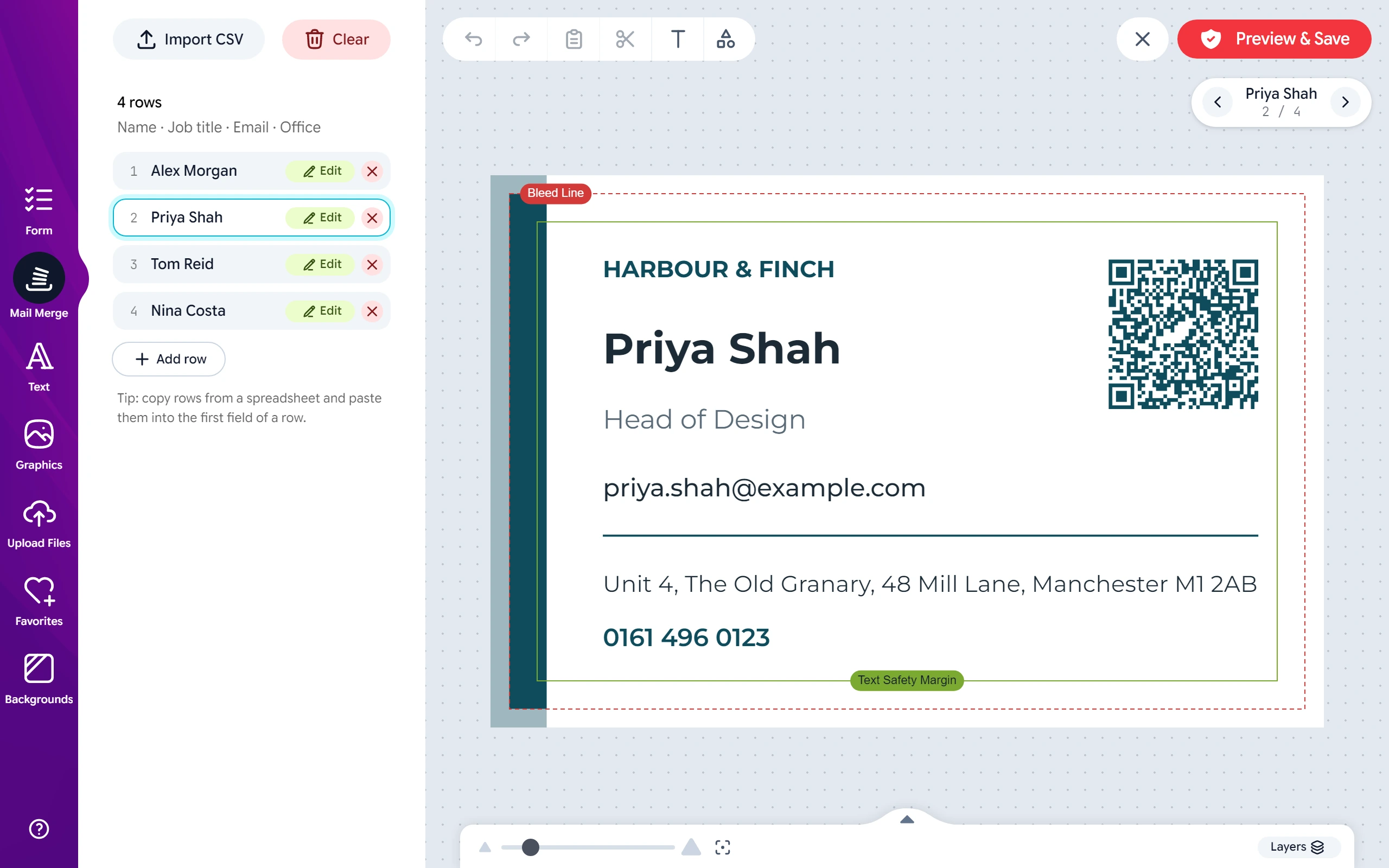
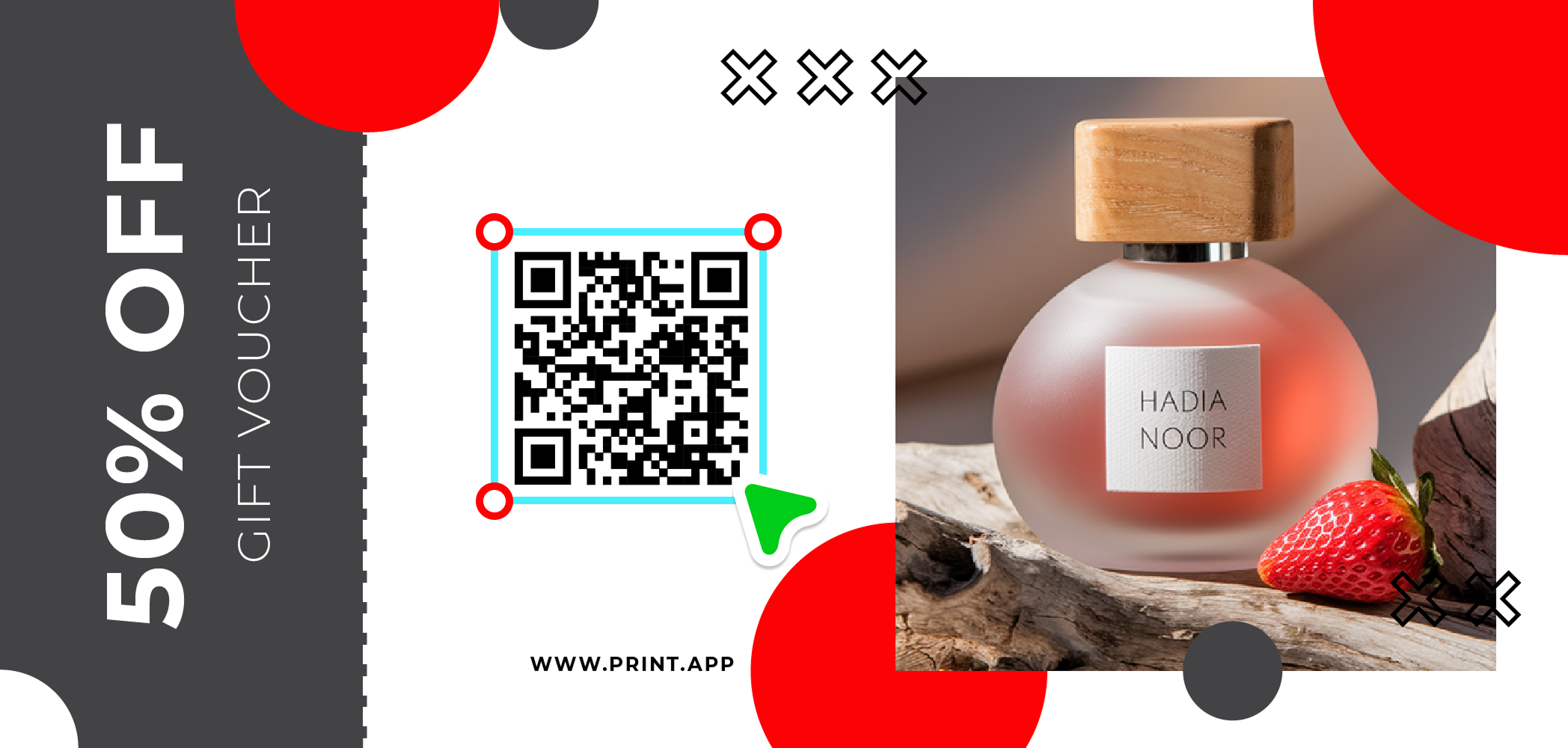
Turn on Mail Merge and the form becomes a list. The customer fills in a row per person or item, or pastes rows from Excel or Google Sheets. Every row runs the same lookups, formulas and rules, and gets its own QR code.
| What you get | How | Why it works |
|---|---|---|
| Fewer proofs | Answers, not artwork | Customers fill in a short form and watch the design change. Everything you did not open stays as you designed it, so there is less to check. |
| Fewer templates | One design for a whole range | A field picks the picture and the colors, and rules show the lines that apply. A new flavor or office is a row in a spreadsheet, not a new template. |
| Details that stay right | Looked up, not retyped | Addresses, ingredients and product codes come from your spreadsheet. Upload it again when they change, and every design that reads it follows. |
| Bigger orders | A list in one order | With Mail Merge a customer fills in a row per person or item, or pastes them from a spreadsheet, up to 250 in one order and one print file. |
| No overflowing text | Shrink to fit | A long name or address shrinks until it fits the space you left, and the panel warns you when even the smallest size is too big. |
Smart fields are part of the editor, at no extra cost. 100 print files a month are free, then $0.10 each, with no subscription and no commission. A Mail Merge order is one print file.
Each demo above has a tutorial with a screenshot for every step.
See them on the products they were built for: product labels and business cards.
Install free, add a field to one design, and let the customer fill it in.
No. You type a field name in curly brackets inside a text, pick where its value comes from in a panel, and set rules from lists. Formulas are there for dates and sums when you want them, written like spreadsheet formulas.
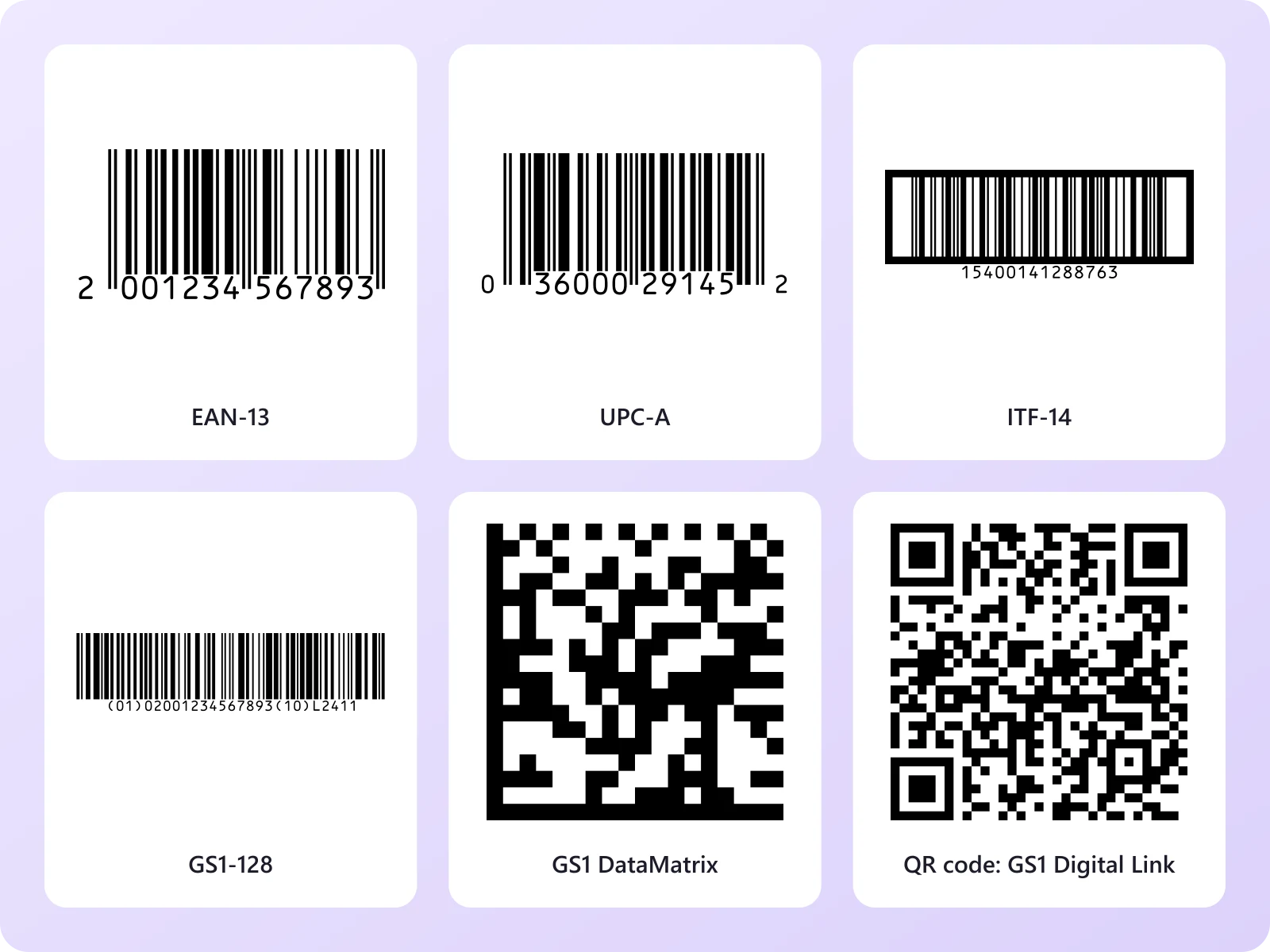
Join text, do sums, compare values and choose between them, add days, months or years to a date and write it out in your format, format money, phone numbers and percentages, look values up in your tables, and build barcodes and QR codes. The Data Sources guide lists every function.
Up to 5,000 rows, 50 columns and 350 KB per CSV file. Upload a file with the same name to replace it. Designs name tables by file name, so they read the new rows straight away.
A form beside the design, with only the questions you chose. Values looked up or worked out are not in the form; they appear on the design. With the Steps layout the form becomes one question at a time.
Yes. A picture frame can show the picture named like a field's value, from its own graphics or a graphics folder. An item can take its color from a color field, chosen from the colors you list, including named colors from your palettes, which print in the CMYK values you set.
Yes. Turn on Mail Merge for the design. The customer types a row per person or item, pastes them from Excel or Google Sheets, or imports a CSV file. Lookups, rules and QR codes work on every row. A merge is one print file with up to 250 rows.
Yes: Shopify, WooCommerce, Odoo, Shopware, PrestaShop and OpenCart, and any other site through the API. The editor is the same on all of them.
Yes, in the new editor, at no extra cost. Stores created since August 25, 2026 start on it. Older stores turn it on in the dashboard under Settings, Designer, with Switch to new Editor.


