

PrestaShop is open source and self-hosted, which is usually the reason people choose it: the store is genuinely yours. Print.App fits that model. It installs as a standard PrestaShop web2print module, adds a design editor to the products you select, and leaves your catalog, theme and checkout alone.
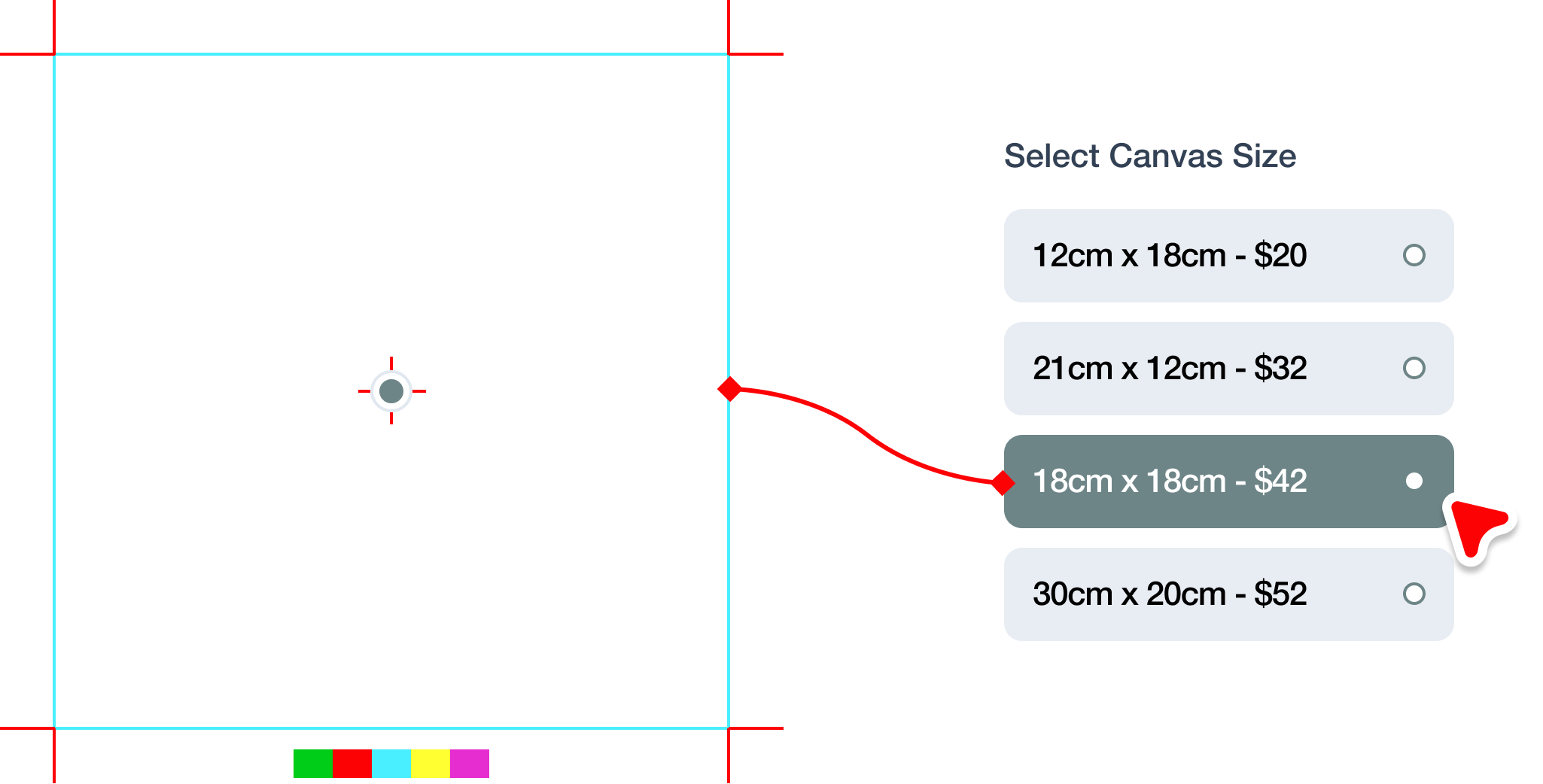
For a print business the practical effect is that the artwork step moves from your inbox to your product page. The customer resolves size, bleed and color themselves, inside limits you configured once, and the file that reaches production is already correct.
modules directory, making sure the module folder itself sits inside modules.Exact paths and screenshots are in the PrestaShop installation guide, and there is a demo store guide if you want to replicate the setup.
Browse it as a customer would, and personalize a product end to end.
From the Print.App PrestaShop repository on GitHub, under releases. You upload the zip into your PrestaShop modules directory and install it from the Modules screen in your admin.
Yes, one. The module’s uploads directory needs write permission on your server. The installation guide gives the exact path and setting.
Yes. If PrestaShop is already installed and running you can skip straight to installing the module; nothing about your existing catalog or checkout needs to change.
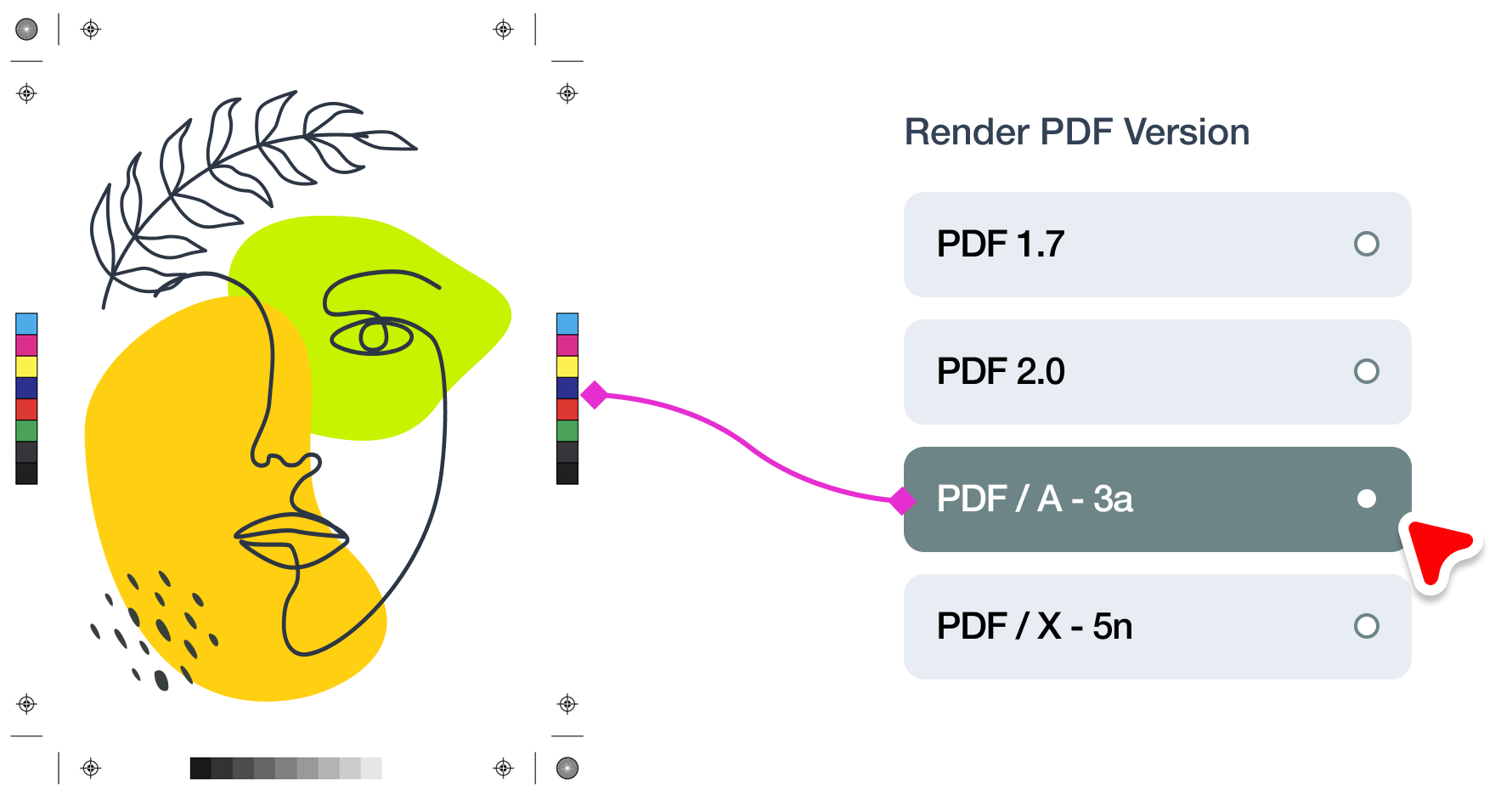
Print-ready PDF, PNG, JPEG or TIFF, rendered to the bleed, resolution and color profile you set on each design template.
Yes. Customers personalize the product on your PrestaShop store and you receive a production-ready file with the order, which is what makes on-demand printing workable without manual artwork prep.
No. There is no per-order fee, no commission and no percentage of revenue, on any plan. You pay $0.10 when you download a print file and nothing else, so a $12 mug and a $1,200 signage job cost exactly the same to process. Order-based fees scale with your sales rather than with the work actually done, and we would rather charge for the work we perform and leave your margin where it was earned.