

WordPress is not a shop on its own. WooCommerce is what turns it into one, and the Print.App web2print plugin is built to run alongside WooCommerce rather than replace any part of it. If you are selling print products through WooCommerce today, Print.App adds the design step that currently happens over email.
Your product pages, your theme, your checkout and your order flow all stay where they are. The products you enable gain a personalize button; everything else behaves exactly as before.
The step-by-step version is in the WordPress installation guide.
The editor above is live. There is also a full WooCommerce demo store.

You need WooCommerce. WordPress on its own has no cart, and the Print.App plugin is built to work alongside WooCommerce, so it cannot run without it.
Install WooCommerce first, then install the Print.App plugin from your WordPress admin and connect it with your Print.App keys. The full walkthrough is in the WordPress installation guide.
Yes. The editor is added to the WooCommerce products you enable, so it inherits your theme rather than replacing any part of it.
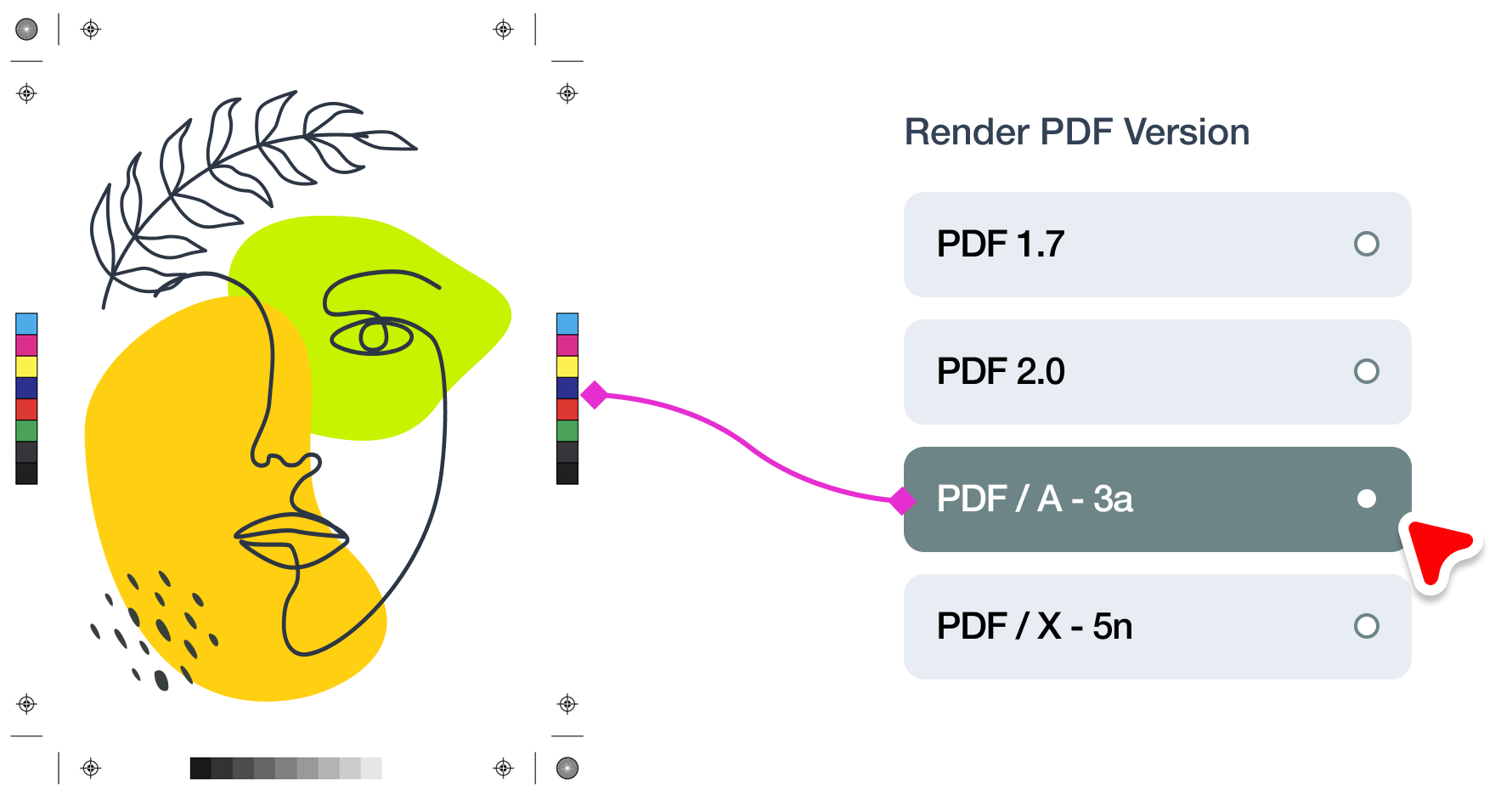
The order stays in WooCommerce. The print-ready file is rendered by Print.App to the specification on that product’s design template, and you retrieve it from the Print.App dashboard.
No, and neither requires the other. Print Options is a free live-pricing and product-options builder that also supports WooCommerce. Print.App is the design editor. They work well together but are separate products.
No. There is no per-order fee, no commission and no percentage of revenue, on any plan. You pay $0.10 when you download a print file and nothing else, so a $12 mug and a $1,200 signage job cost exactly the same to process. Order-based fees scale with your sales rather than with the work actually done, and we would rather charge for the work we perform and leave your margin where it was earned.