
what each one is for, which press and paper it describes,
and where to get the official file.
An ICC profile is a measured description of what a particular press, ink and paper combination actually does with colour. Converting through the right one is the difference between a proof that predicts the press sheet and a proof that flatters it.
Two questions decide it, and neither is about software. Where is it printing, and on what paper. Region narrows you to a family, paper picks the profile within it. If your printer has named one, that answer beats every general rule below.
| Profile | Standard | Paper | Region | Ink limit | In Print.App | Open |
|---|---|---|---|---|---|---|
|
ISO Coated v2 (ECI)
ISOcoated_v2_eci.icc
|
ISO 12647-2:2004 / Amd 1:2007, characterisation data FOGRA39L | Coated, premium and improved (paper types 1 and 2), gloss and matte | Europe | 330% (ISOcoated_v2_eci), 300% (ISOcoated_v2_300_eci) | Built in | |
|
U.S. Web Coated (SWOP) v2
USWebCoatedSWOP.icc
|
SWOP (Specifications for Web Offset Publications) | Coated publication stock, web offset | North America | 300% | Built in | |
|
Japan Color 2001 Coated
JapanColor2001Coated.icc
|
Japan Color 2001 | Coated, sheetfed offset | Japan | 350% | Built in | |
|
GRACoL 2006 Coated 1v2
GRACoL2006_Coated1v2.icc
|
GRACoL 2006, ISO 12647-2 based | Premium coated, grade 1, sheetfed offset | North America | 340% | Built in | |
|
PSO Uncoated ISO12647 (ECI)
PSO_Uncoated_ISO12647_eci.icc
|
ISO 12647-2, characterisation data FOGRA47L | Uncoated white offset stock | Europe | 300% | Built in | |
|
PSO Coated v3
PSOcoated_v3.icc
|
ISO 12647-2:2013, characterisation data FOGRA51 | Coated, premium, optically brightened | Europe | 300% | Not yet | |
|
Coated FOGRA39
CoatedFOGRA39.icc
|
ISO 12647-2, characterisation data FOGRA39L | Coated, premium and improved, sheetfed and web offset | Europe | 330% | Built in | |
|
Japan Color 2001 Uncoated
JapanColor2001Uncoated.icc
|
Japan Color 2001 | Uncoated offset stock | Japan | -- | Built in | |
|
PSO LWC Improved (ECI)
PSO_LWC_Improved_eci.icc
|
ISO 12647-2, characterisation data FOGRA45L | Lightweight coated (LWC), improved grade, web offset | Europe | 300% | Built in |
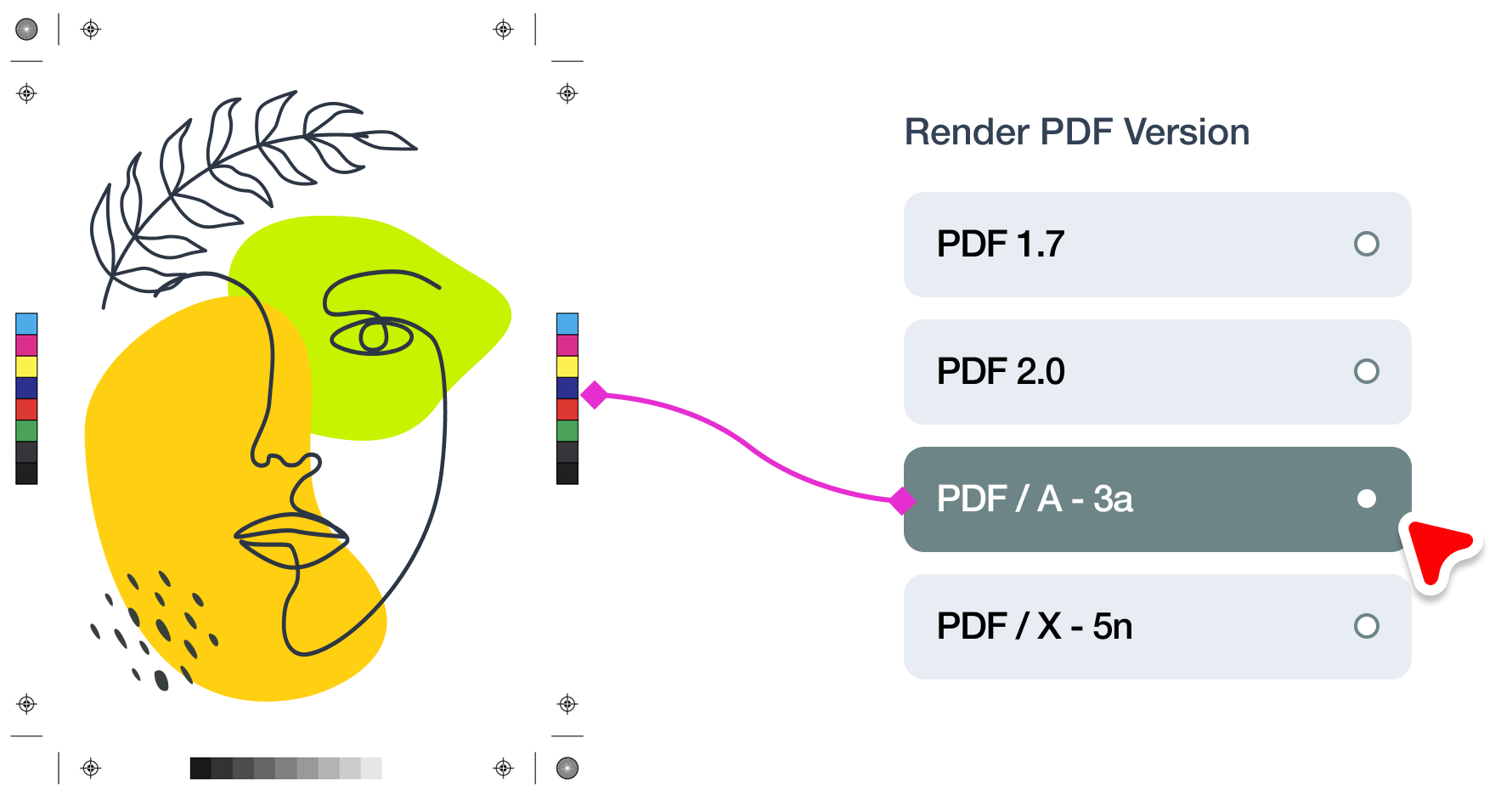
Every profile marked "built in" above, plus the rest of the ISO Coated, PSO, GRACoL, SWOP, FOGRA and Japan Color families, is already in Print.App. You assign one per design template, and every print file rendered from that template converts through it automatically at PDF render time.
The same profile drives soft proofing in the browser, so the customer sees the CMYK result and approves it before ordering. That is the part that removes the back-and-forth: the colour conversation happens at the point of sale rather than in your inbox after the file arrives. The full list of supported identifiers is in the colour profile documentation.

A measured description of how a specific combination of press, ink and paper reproduces colour. It is what lets software convert an RGB design into CMYK values that will actually print the way the screen predicted, instead of guessing.
Ask the printer, and use what they say. If nobody has specified one: coated stock in Europe means ISO Coated v2, sheetfed on premium coated in North America means GRACoL 2006, publication web in North America means SWOP v2, and uncoated in Europe means PSO Uncoated. The paper matters as much as the region.
Colour profiles are licensed works. The ECI profiles are freely distributable, but the SWOP, GRACoL and Japan Color files are distributed by Adobe under their own terms, and the issuing body is also the only place guaranteed to have the current revision. Linking is both the lawful and the more useful option.
You can, and it is the most common cause of colour that comes back wrong. Coated and uncoated stock behave very differently, and total ink limits vary from 300% to 350% across these profiles. A file separated for 350% and printed on a press expecting 300% will be slow to dry and mark in finishing.
No. You assign a profile once per design template and Print.App applies it to every print file rendered from that template. Your customers never see a colour setting, and they soft proof the converted result in the browser before ordering.