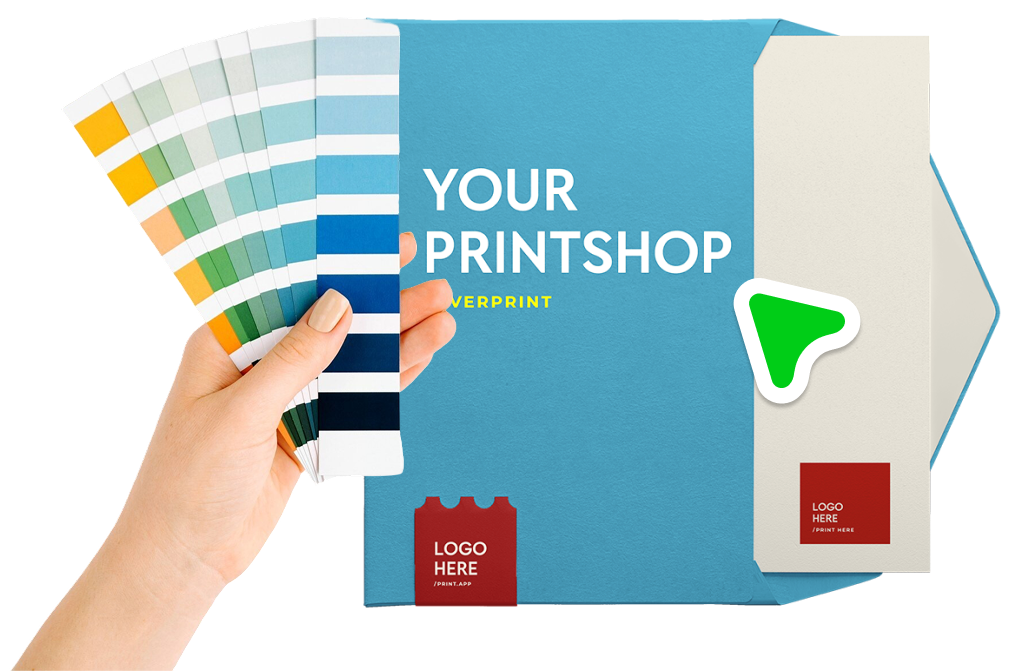
Soft color proofing simulates how design colors will look when printed, based on the specific printing process and paper stock being used. Colors on screen (RGB) often look different from their printed counterparts (CMYK), and this feature bridges that gap by applying an ICC color profile to the design preview.
If you've used soft proofing in Photoshop or Illustrator, it works the same way, i.e. assign a CMYK ICC profile to your design and the editor simulates how the colors will render on your specific printing process. Your customers see what they will get in preview mode, which means fewer surprises and fewer returns.
We bundled the powerful LittleCMS, the industry-standard open-source color management engine into a binary and deployed it directly in the browser. This means the full power of professional-grade color management runs client-side, with no server round-trips, no delays, and no compromises on accuracy.
LittleCMS handles the color space transformations between your screen's RGB gamut and the CMYK gamut of your print process, ensuring that the on-screen simulation faithfully represents the intended print output.

Color discrepancies between screen and print are one of the most common causes of customer dissatisfaction in print-on-demand. Soft color proofing tackles this head-on:
To get started, open any design for edit, or create a new one.
You can also enable proofing across your entire store from your Admin Settings Page, which overrides individual design settings.
For even more control, you can apply ICC profiles through PDF Output Profiles, which also pass along a Rendering Intent for the proof simulation. This is the recommended setup for production workflows where color accuracy is critical.