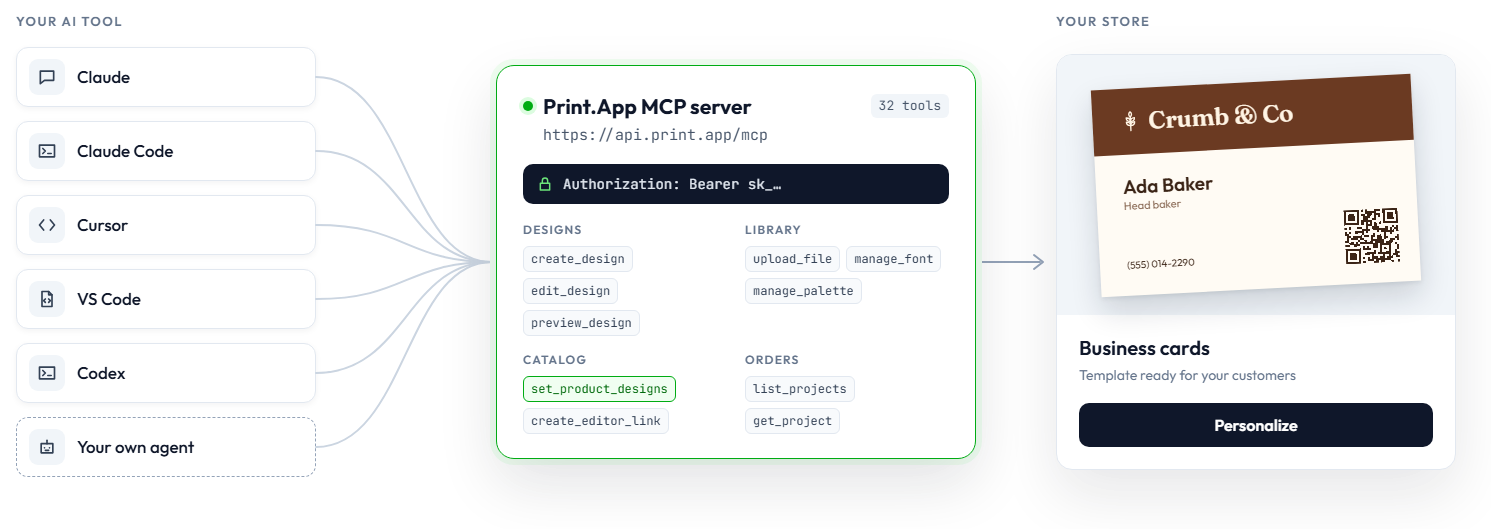
Connect ChatGPT, Claude, Cursor or your own agent, then ask it to build print-ready templates, upload artwork and set up your products.
https://api.print.app/mcp
In your admin, under Secret keys. Label it for the tool you connect; revoking it disconnects that tool.
 ChatGPT
Add a custom MCP server with OAuth, then paste your key on the Print.App page.
https://api.print.app/mcp Claude
Settings → Connectors → Add custom connector, then Connect and paste your key.
https://api.print.app/mcp Claude Code
Run in your terminal:
claude mcp add --transport http --scope user printapp https://api.print.app/mcp \
--header "Authorization: Bearer sk_…" Cursor
Add to ~/.cursor/mcp.json:
{
"mcpServers": {
"printapp": {
"url": "https://api.print.app/mcp",
"headers": { "Authorization": "Bearer sk_…" }
}
}
} VS Code
Add to .vscode/mcp.json. VS Code asks for the key:
{
"inputs": [{ "type": "promptString", "id": "printapp-key",
"description": "Print.App secret key", "password": true }],
"servers": {
"printapp": {
"type": "http",
"url": "https://api.print.app/mcp",
"headers": { "Authorization": "Bearer ${input:printapp-key}" }
}
}
} Codex
Codex
Add to ~/.codex/config.toml, with PRINTAPP_SECRET_KEY set:
[mcp_servers.printapp]
url = "https://api.print.app/mcp"
bearer_token_env_var = "PRINTAPP_SECRET_KEY"Paste this into Claude Code, Codex, Cursor or any agent that can edit its own settings. It asks for your key and connects itself.
Quickstart for agents →Follow https://print.app/docs/mcp/quickstart-agents and connect the Print.App MCP server to this agent.
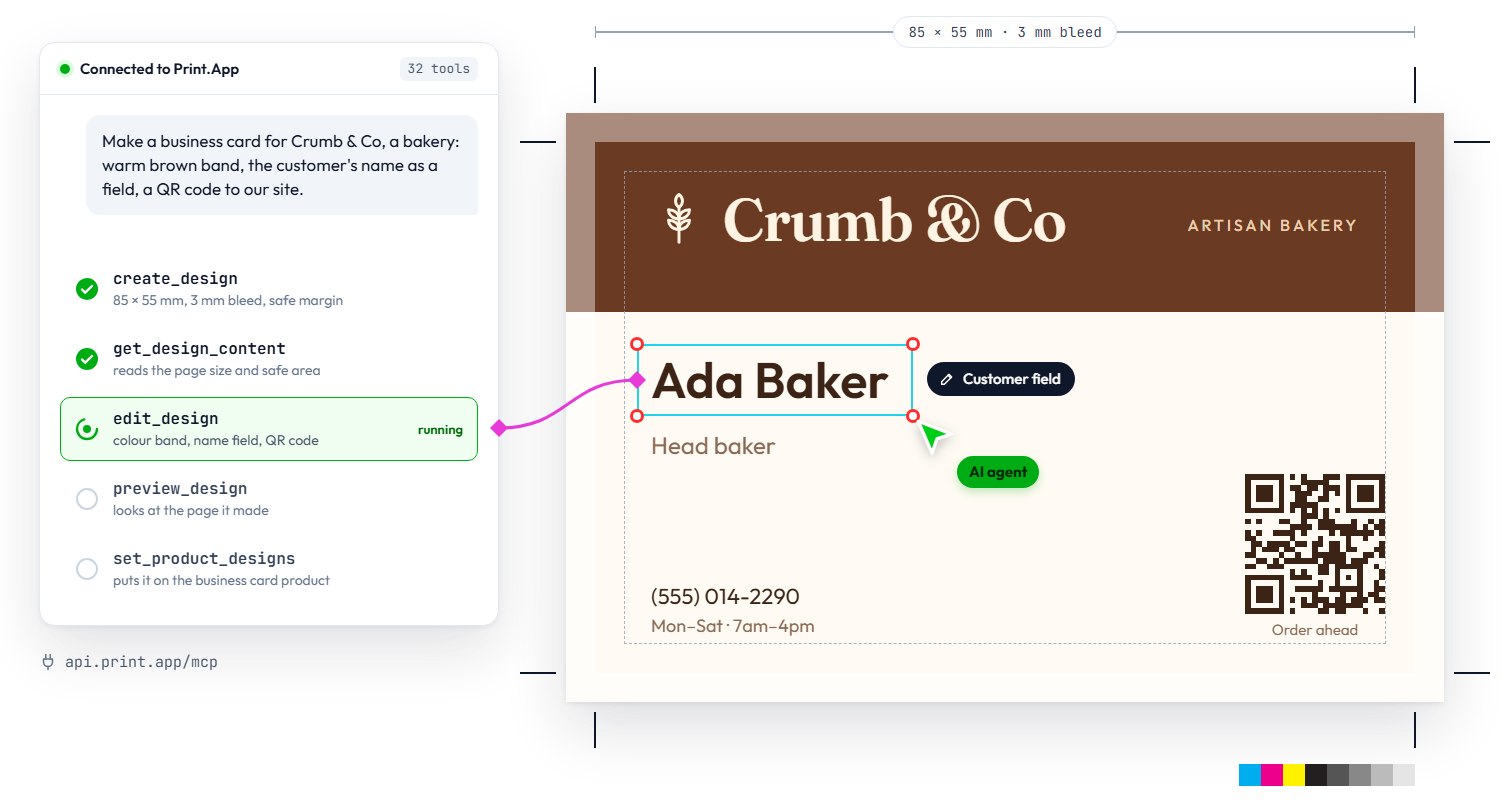
Keep my secret key out of any file I commit, and tell me what you changed.Print sizes, bleed, text, images, QR codes and calendars, with fields your customers fill in.
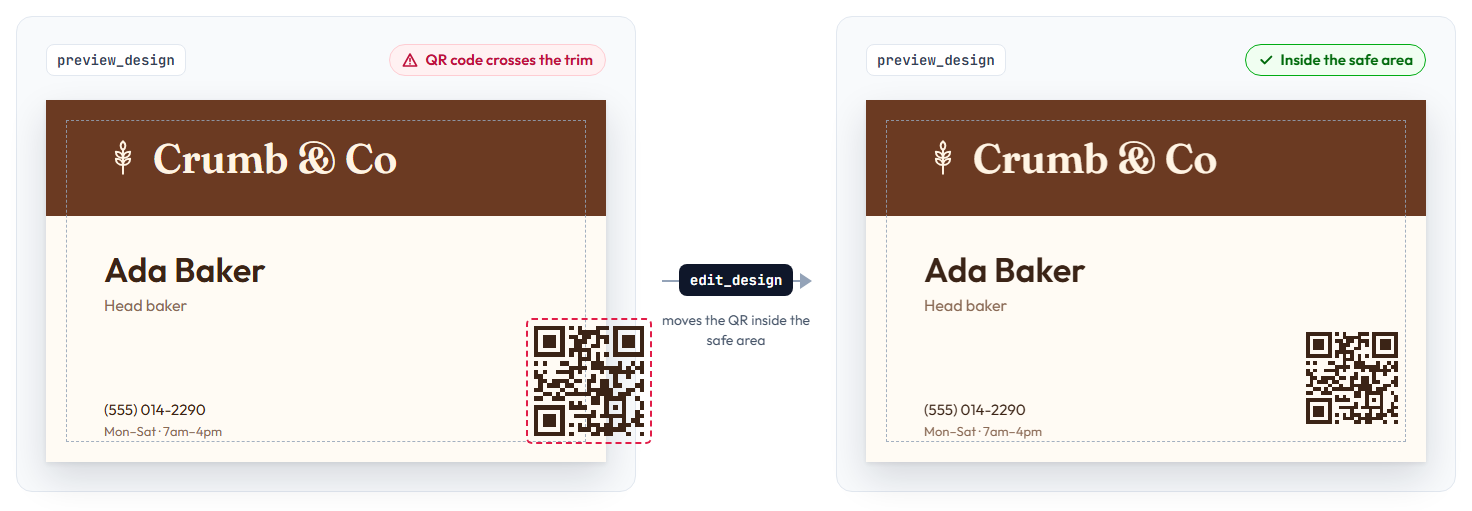
It sees the pages it made and fixes what looks off.
Graphics, folders, Google fonts and brand palettes.
Which designs each product opens, and links to share them.