
These are running editors, not pictures. Press Launch Designer and order the way your customer would. Nothing to install, no signup, and nothing is saved.
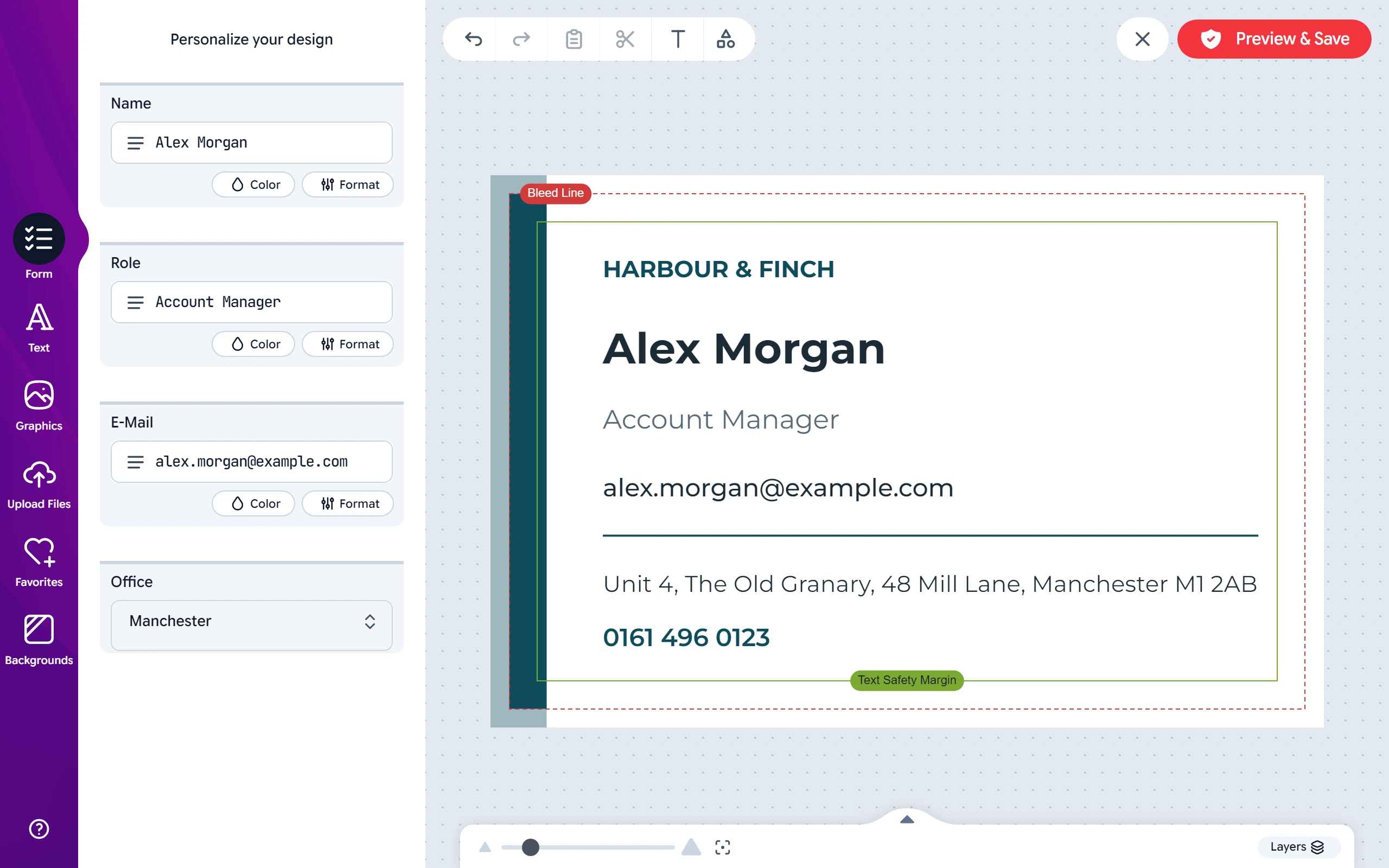
Pick another office. The address and phone number follow.
Each person types their name, role and email, then picks their office. The address and phone number come from a spreadsheet you upload once, so nobody types them and nobody gets them wrong. A long address shrinks to fit its line.
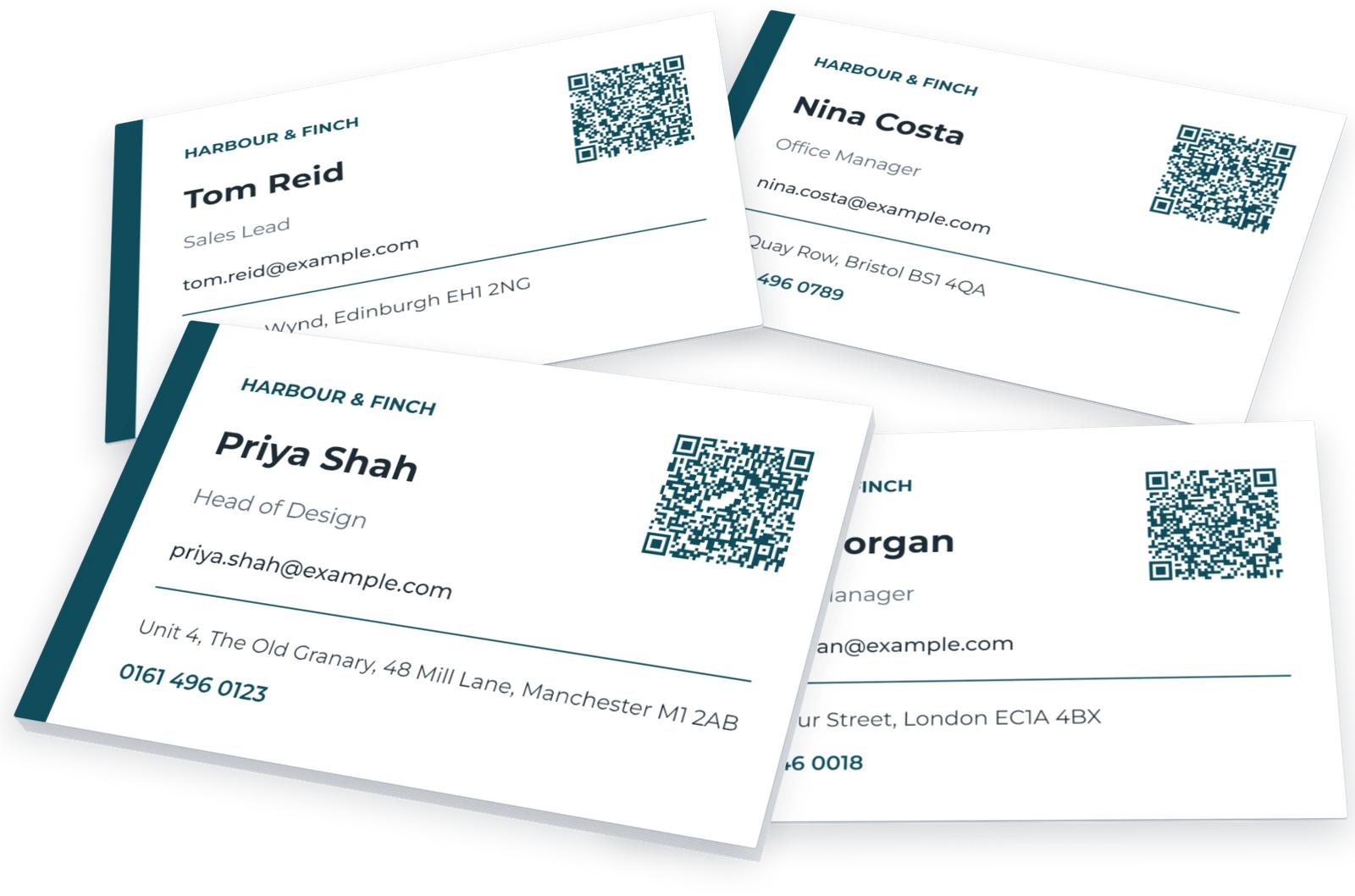
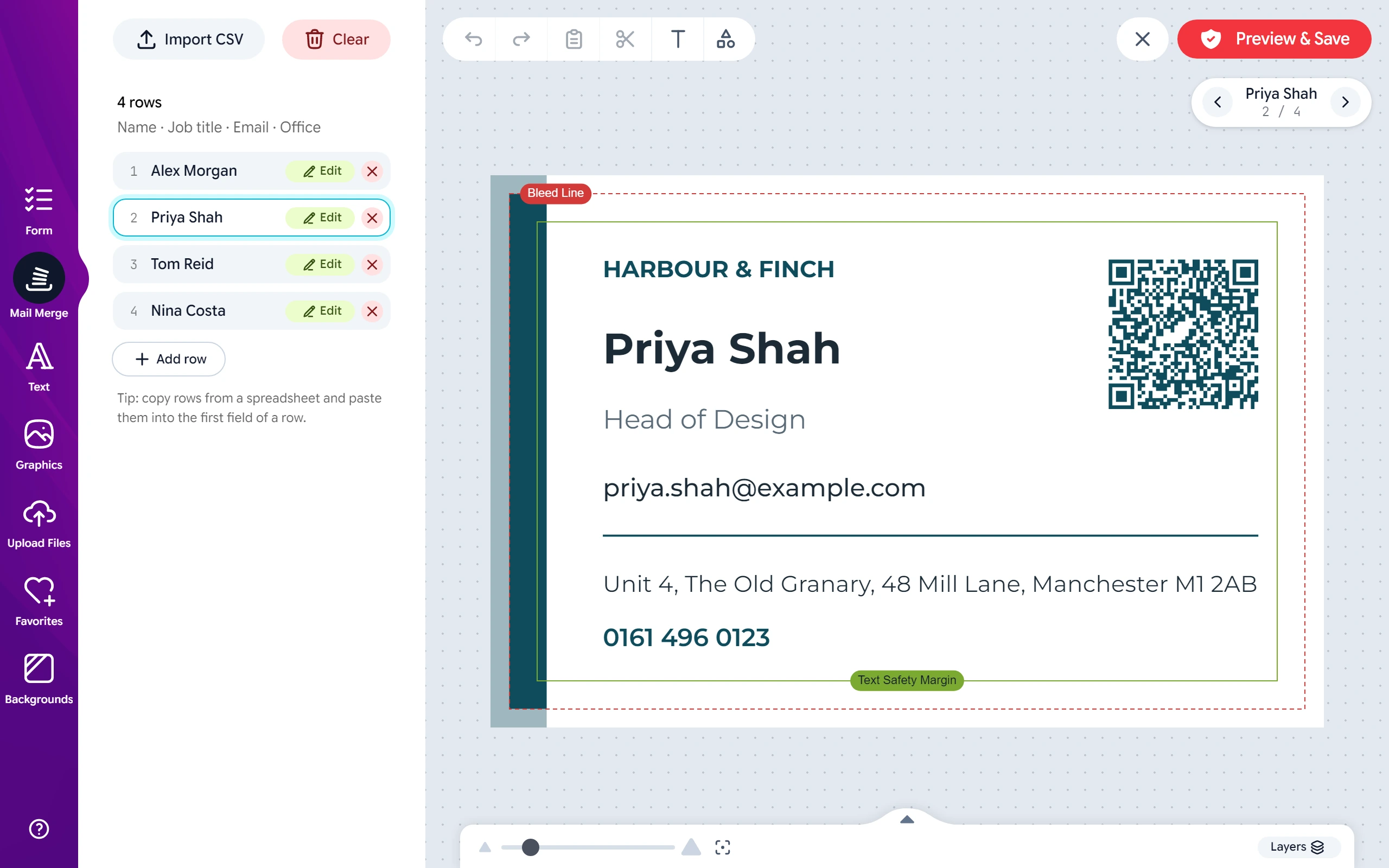
An office manager orders for everyone. They paste the rows from a spreadsheet, check each card on the canvas, and submit one order. Every row keeps its own office, address and QR code, and you download one PDF with every card in it.
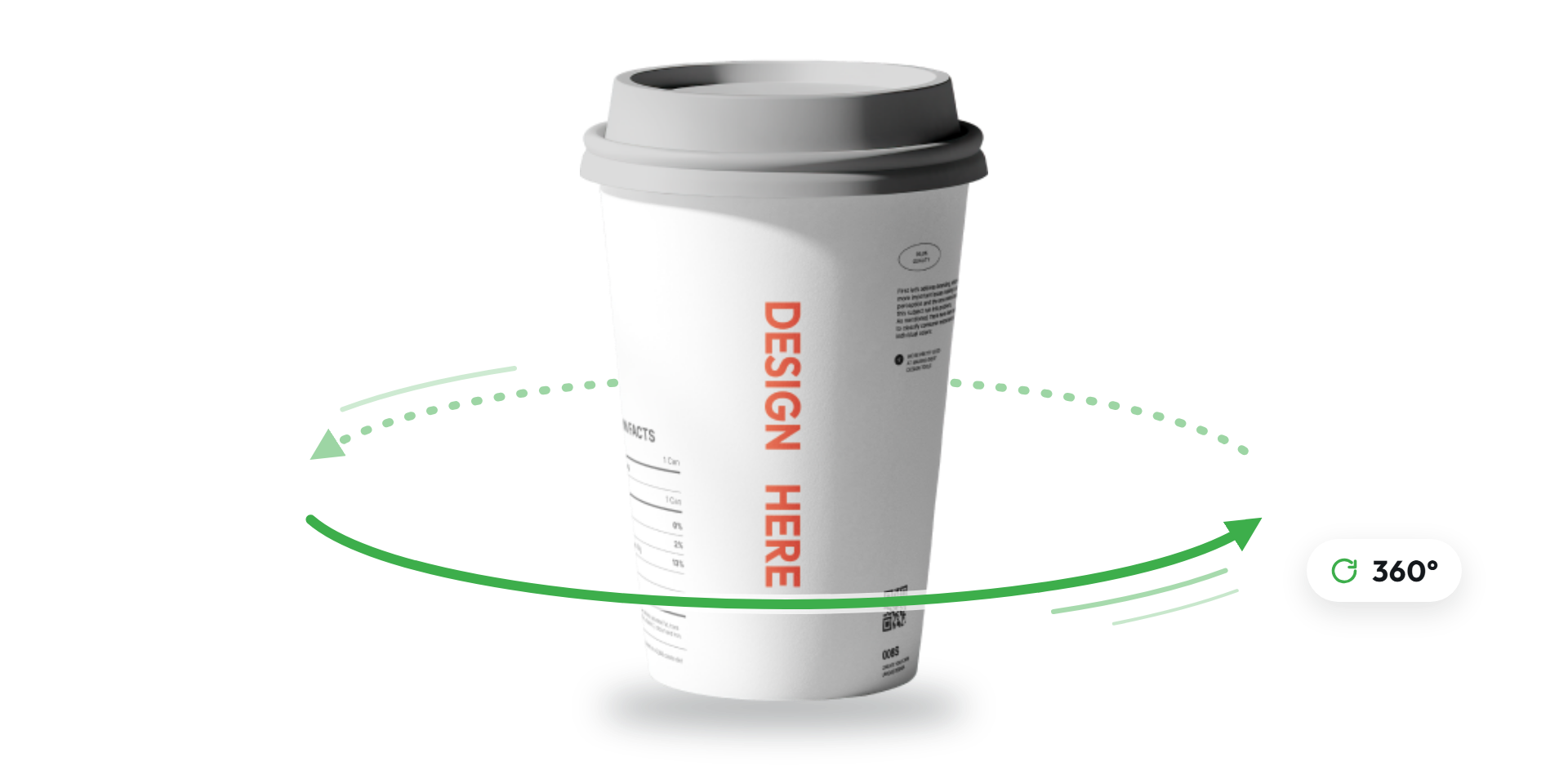
Set it for the store or for one design. All of them are on the demos page.
Seven things the editor does, and what each one is worth to a shop that prints for companies.
| What you get | How | Why it works |
|---|---|---|
| Addresses filled in | The office fills itself in | Staff pick their office from a list, and the card fills in its address and phone number from a spreadsheet you upload once. When an office moves, upload the spreadsheet again. |
| Bigger orders | A whole team in one order | One person fills in a row for each colleague: typed, pasted from Excel or Google Sheets, or imported from a CSV file. Up to 250 people in one order. |
| Always on brand | Only the parts you open can change | The logo, the colors and the layout stay as designed. Customers see a short form, not a blank canvas, and long names and addresses shrink to fit. |
| Cards people save | A QR code for each person | The code is built from the answers, so each card carries its own name, phone and email. Scanning it offers to save the contact. |
| Fewer proofs | They see the finished card before they order | The card updates as they type, and a 3D preview shows it with rounded corners and painted edges, on both sides. |
| Print as ordered | Pantone, CMYK and foil plates | Spot colors keep their names from the swatch to the PDF, so the press gets the company color and the foil or varnish goes on its own plate. |
| Predictable cost | $0.10 per print file | No subscription and no commission. A team order is one print file, so 20 people in one order cost you the same as one. |
100 print files a month are free, then $0.10 each. A shop with 500 card orders a month pays $40, whether each order is for one person or for a team. There is no subscription and no commission, and you keep your own store, prices and checkout. To price cards by stock, finish and quantity on the product page, Print Options is free.
The office card above has a step-by-step tutorial with a screenshot for every step, and needs no code.
Install free, build one card, and stop setting other people's names.

Only the parts you open. You choose which texts customers fill in. Everything else stays as you designed it, and you can lock it. With the View & approve layout they change nothing and only approve the finished card.
You upload a spreadsheet (CSV) with one row per office. The design lists the offices in a dropdown and looks up the address and phone of the one the customer picks. Uploading the file again updates every card that reads it.
Yes. Turn on Mail Merge for the design and the customer fills in one row per person, pastes the rows from a spreadsheet, or imports a CSV file. An order takes up to 250 rows. With Print Options, the number of rows can follow the quantity on the product page, or you can sell a quantity of cards for each person.
Yes. The code is built from the fields on the card in a contact format that phones recognize, so it changes with every name, phone number and email address. It can open a link instead.
No. Print.App adds the designer to the store you already run. Customer accounts, private products and purchase approvals stay with your store, such as company accounts on Shopify.
Any size, one or two sides, with rounded corners or a die-cut shape. Foil and spot varnish go on their own named spot color, and the cut line can be a vector in the PDF.
A vector PDF with bleed and, if you want them, crop marks, in RGB or converted to CMYK with the ICC profile you choose. A team order is one PDF with every card in it, in the order of the list.
Shopify, WooCommerce, Odoo, Shopware, PrestaShop and OpenCart, and any other site through the API. The editor is the same on all of them.
Yes, in the new editor, at no extra cost. Stores created since August 25, 2026 start on it. Older stores turn it on in the dashboard under Settings, Designer, with Switch to new Editor.


