
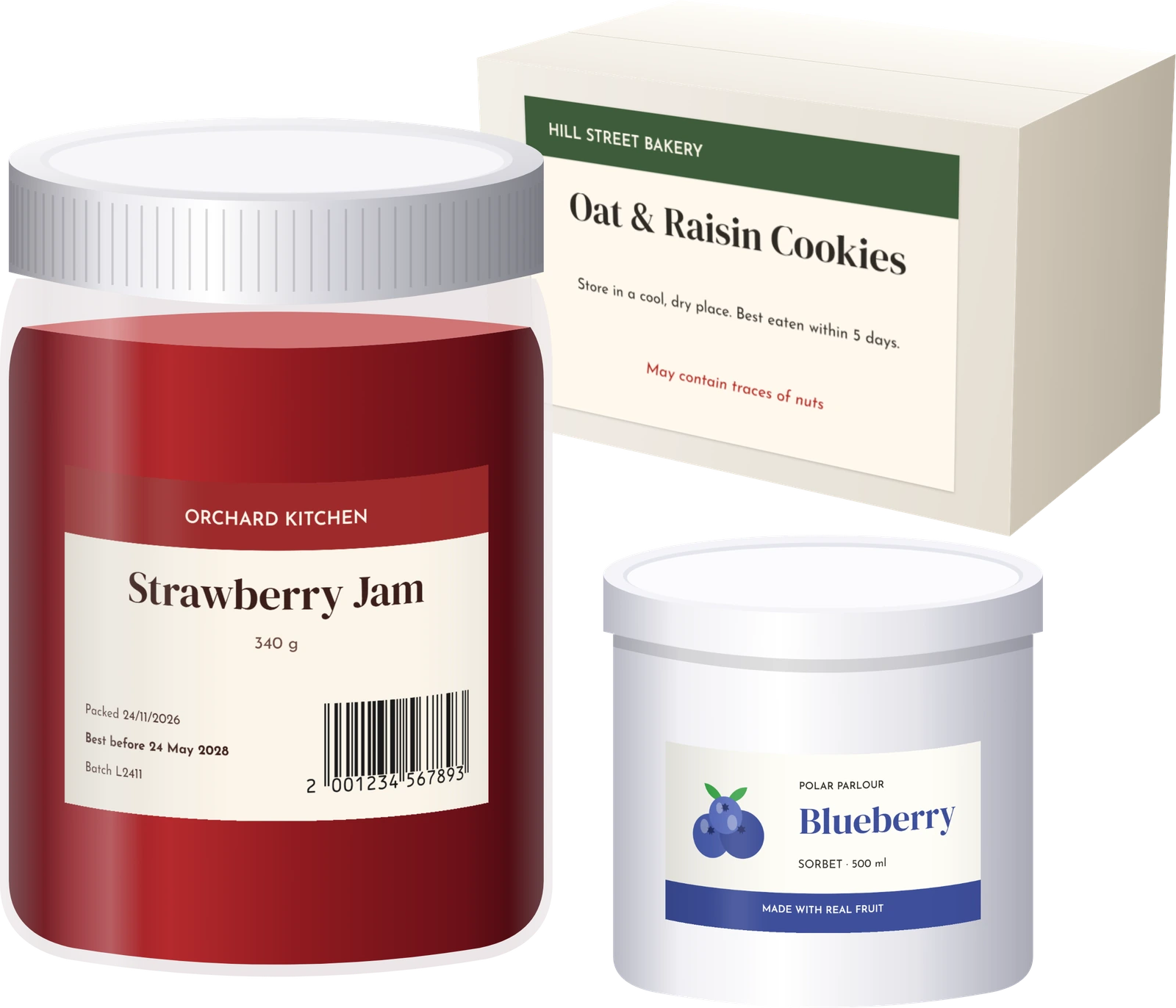
These are running editors, not pictures. Press Launch Designer and fill in the form the way your customer would. Nothing to install, no signup, and nothing is saved.
Change the packing date, delete a digit from the barcode, or tick Contains nuts.
The customer fills in six things: the product, the weight, the packing date, the batch, the barcode number and whether it contains nuts. The label adds the barcode's check digit, works out the best-before date, shows the allergen line when the box is ticked, and drops the batch line when there is no batch.
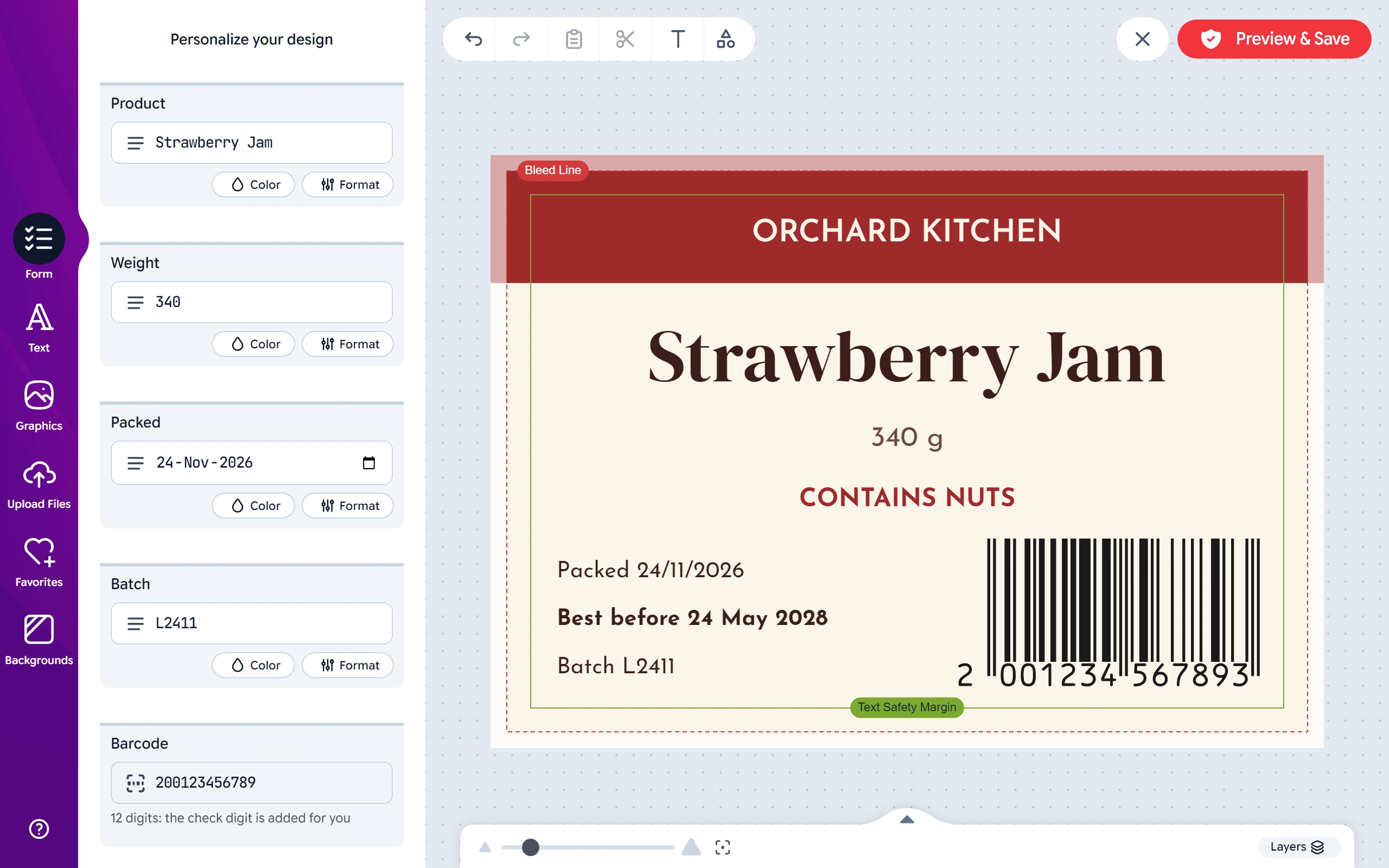
One bakery label serves every product. A badge shows when it is ticked. The storage advice is one of three lines, chosen from a list. The nut warning depends on two answers: if the product contains nuts it says so, if only the kitchen does it says it may contain traces, and otherwise it says nothing.
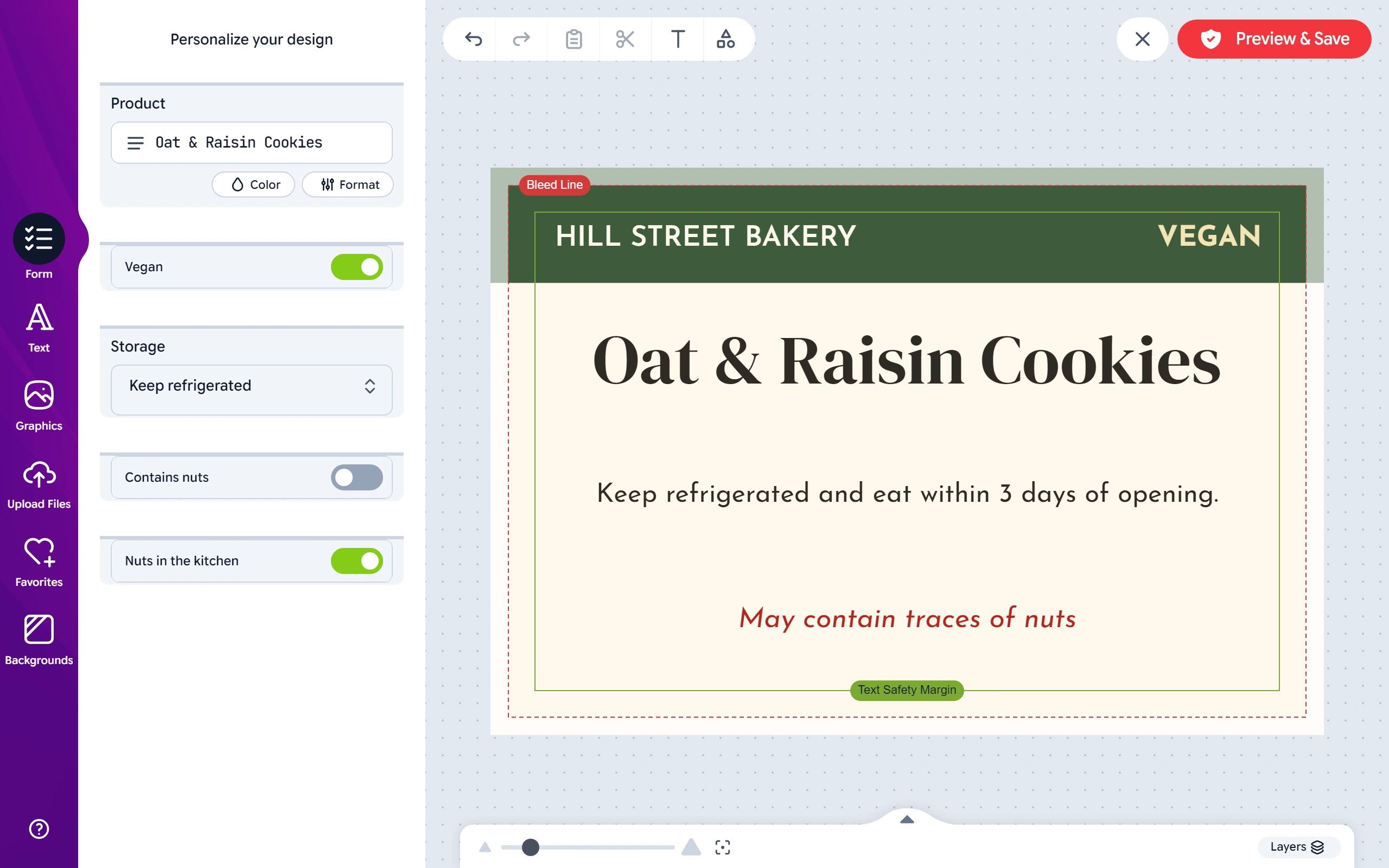
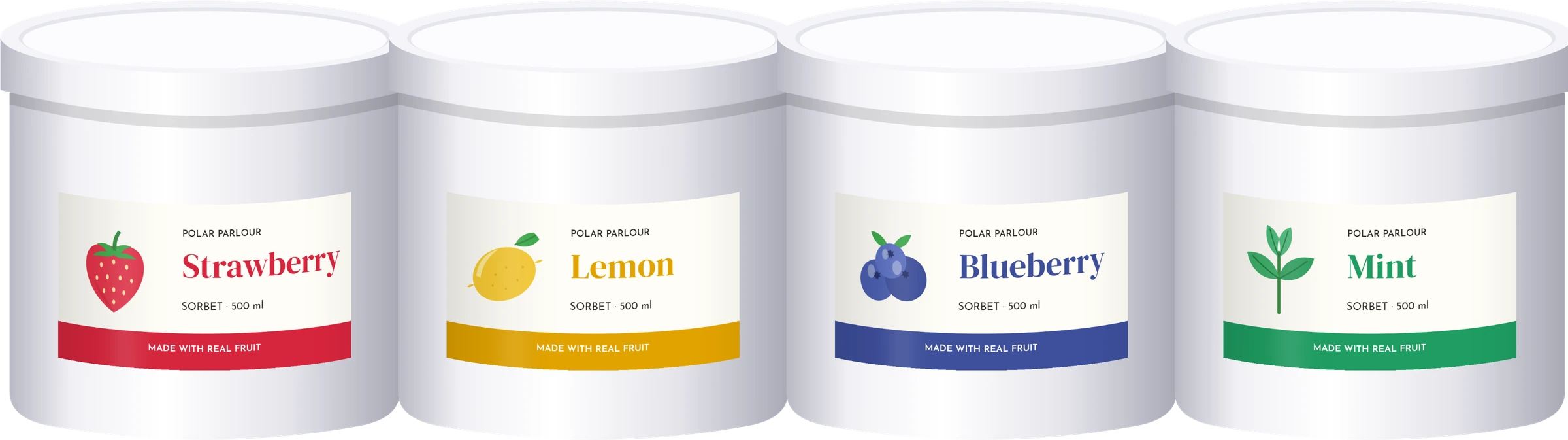
A range of flavors, scents or colors does not need a template each. The customer picks from a list and the label swaps in that flavor's picture, writes its name and paints its colors. To add one, upload a picture and add a named color. The design does not change.
Seven things the editor does, and what each one is worth to a shop that prints labels.
| What you get | How | Why it works |
|---|---|---|
| Fewer barcode mistakes | The check digit is worked out | The customer types the number. A missing check digit is added, and a wrong one is refused with the reason, so a mistyped number is caught while the customer is typing it. |
| Dates done for you | Best before is worked out from the packing date | You set the shelf life once. The customer picks the day they packed it, and the label prints the right date in your format. |
| Fewer proofs | Warnings that show only when they apply | Allergens, storage advice and badges follow the answers in the form. Customers answer questions instead of rearranging your label. |
| Fewer templates to keep | One design for a whole range | The customer picks a flavor and the picture, the name and the colors change together. A new flavor is a picture and a named color, not a new template. |
| Brand colors that match | Swatches with the CMYK you print | Customers pick from the colors you named. Each one prints in the CMYK values you set, not a conversion of the screen color. |
| Details that stay right | Text filled in from your spreadsheet | Upload a CSV of addresses, ingredients or product codes. The customer picks a row, and the label fills in the rest. |
| Predictable cost | $0.10 per print file | No subscription and no commission. A $20 order of labels and a $2,000 one cost you the same to process. |
100 print files a month are free, then $0.10 each. A shop printing 500 label orders a month pays $40. There is no subscription, no setup fee and no commission, and you keep your own store, prices and checkout. To price labels by size, material and quantity on the product page, Print Options is free.
Each demo above has a step-by-step tutorial with a screenshot for every step. The designs are built in the Print.App editor with no code.
Install free, build one label, and stop retyping other people's spreadsheets.
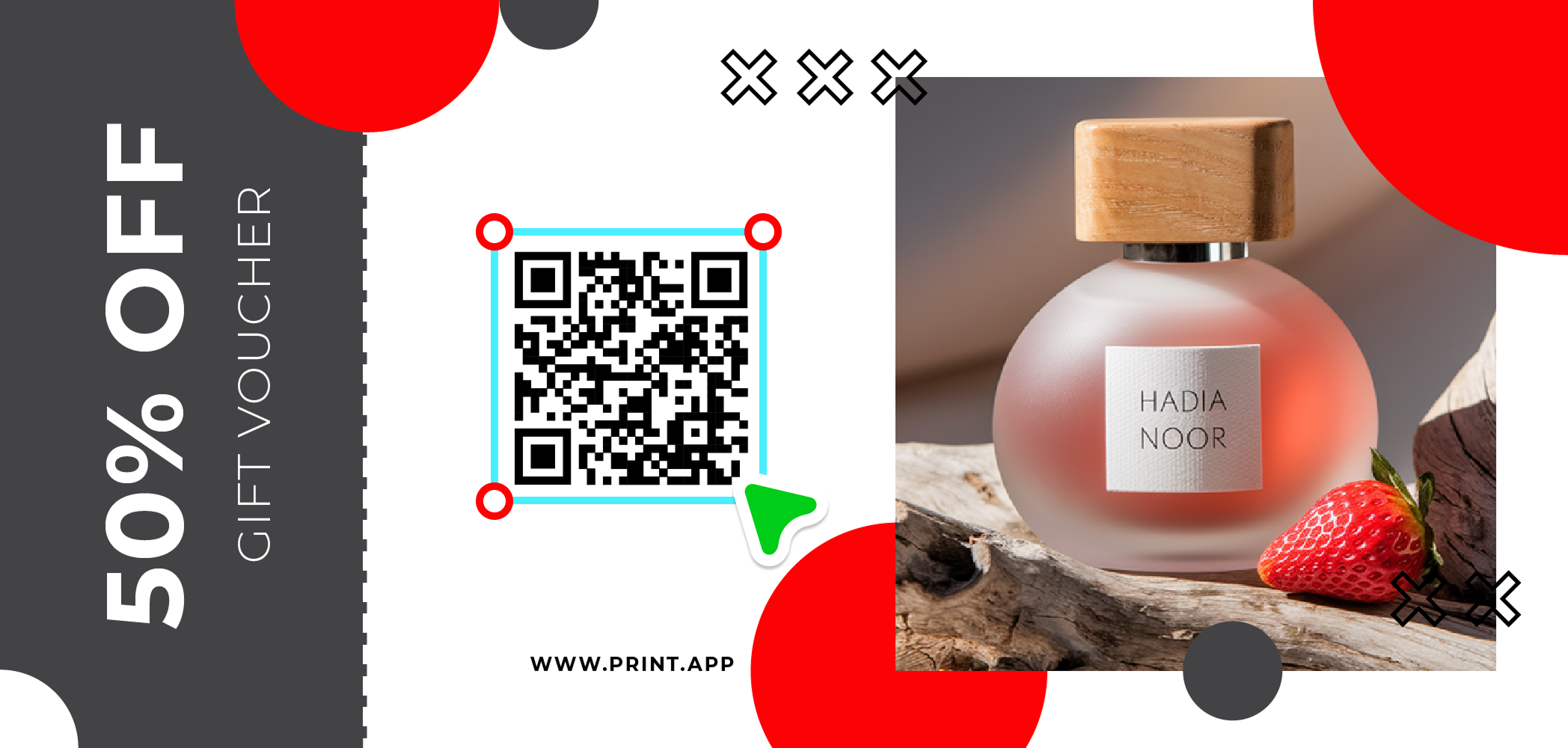
EAN-13, EAN-8, UPC-A, UPC-E, ITF-14, Code 128, Code 39, GS1-128, DataMatrix, GS1 DataMatrix, PDF417, USPS Intelligent Mail and QR codes. They print as vector shapes, so they stay sharp at any size. EAN-13, EAN-8, UPC-A and ITF-14 numbers get their check digit added, and a wrong one is refused.
No. You build the label once and choose what customers may change. They fill in a short form beside the label and watch it update. Anything you do not connect to the form stays as you designed it, and you can lock it.
No. You type a field name in curly brackets, choose where its value comes from, and set rules from lists. The food label tutorial takes about 15 minutes, and formulas are there for dates and sums when you want them.
Yes. Any shape can be the page outline. The artwork is clipped to it, and the print PDF can carry the cut line as a vector in a named spot color such as CutContour.
No. Print.App prints what you and your customer put on the label. You decide which lines a label must carry and which answers show them, so the rules you follow are built into the template, but it is not a compliance check.
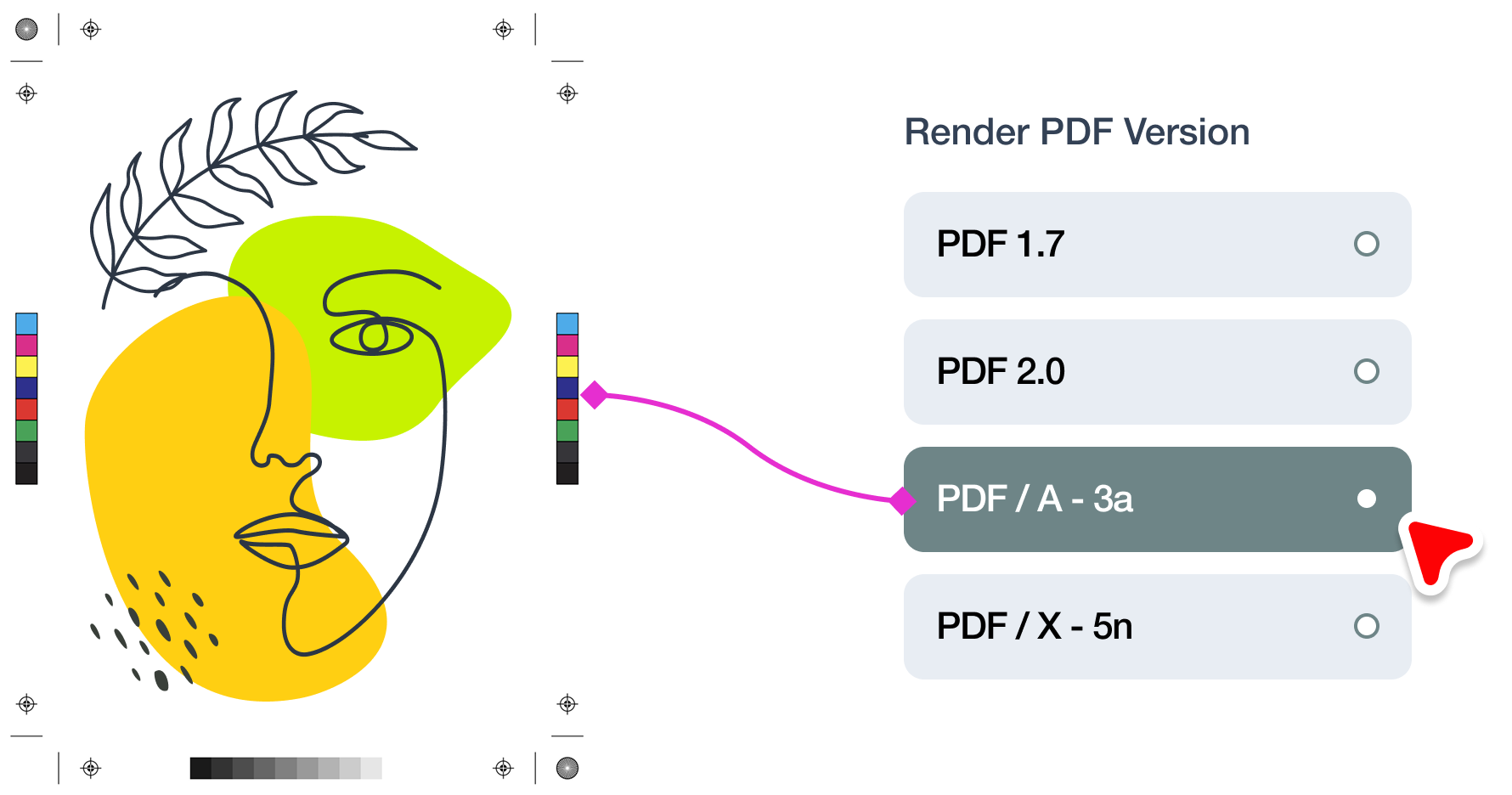
A vector PDF with bleed and, if you want them, crop marks and cut lines, in RGB or converted to CMYK with the ICC profile you choose. Named spot colors are kept.
Shopify, WooCommerce, Odoo, Shopware, PrestaShop and OpenCart, and any other site through the API. The editor is the same on all of them.
Yes, in the new editor, at no extra cost. Stores created since August 25, 2026 start on it. Older stores turn it on in the dashboard under Settings, Designer, with Switch to new Editor.


