
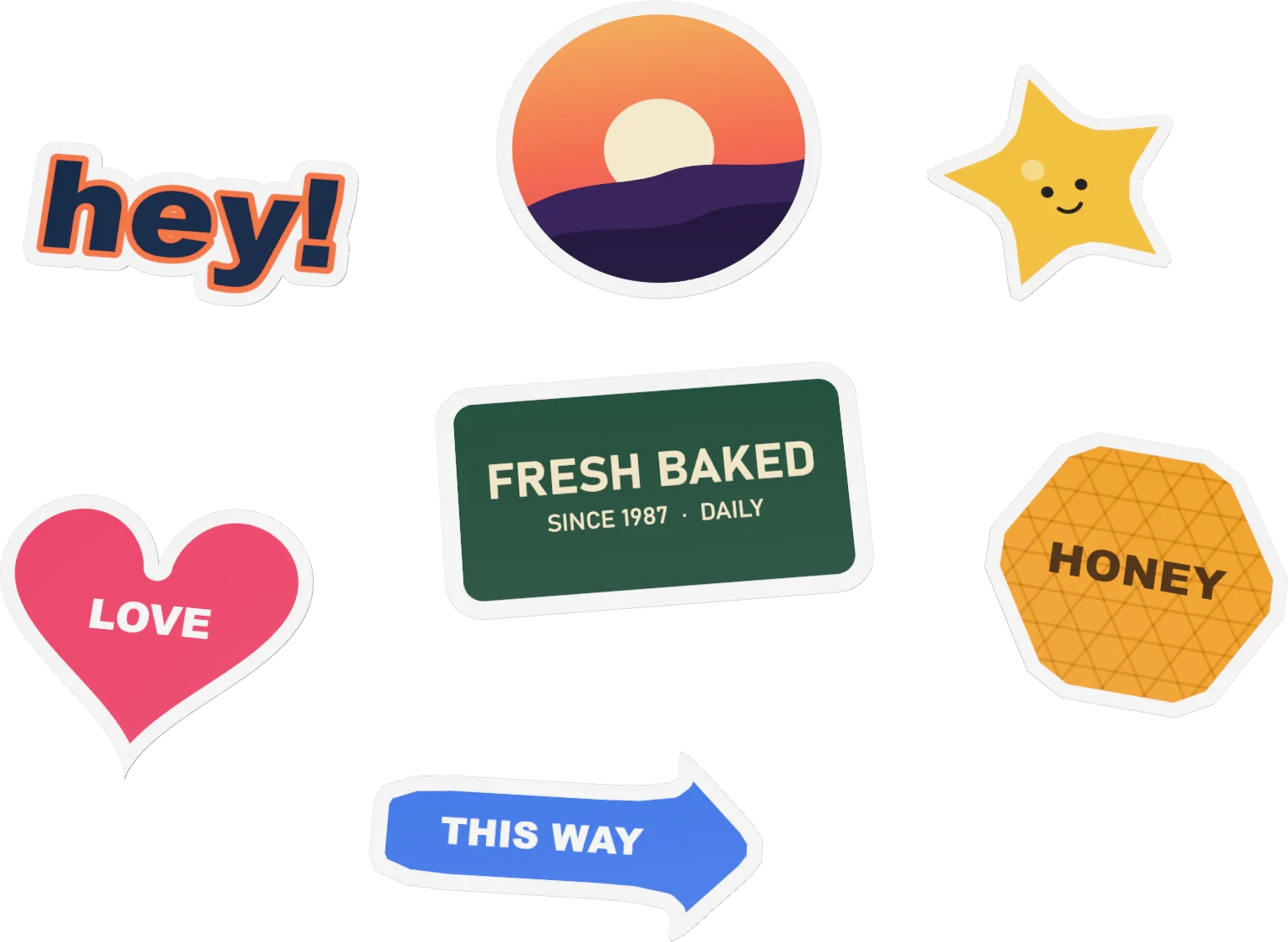
A free-form sticker is cut around its artwork. The editor traces the outline of whatever the customer puts on the sticker, grows it by your margin, and draws the cut line there. It follows every change as they make it. You can let customers widen or narrow the white border with a slider.
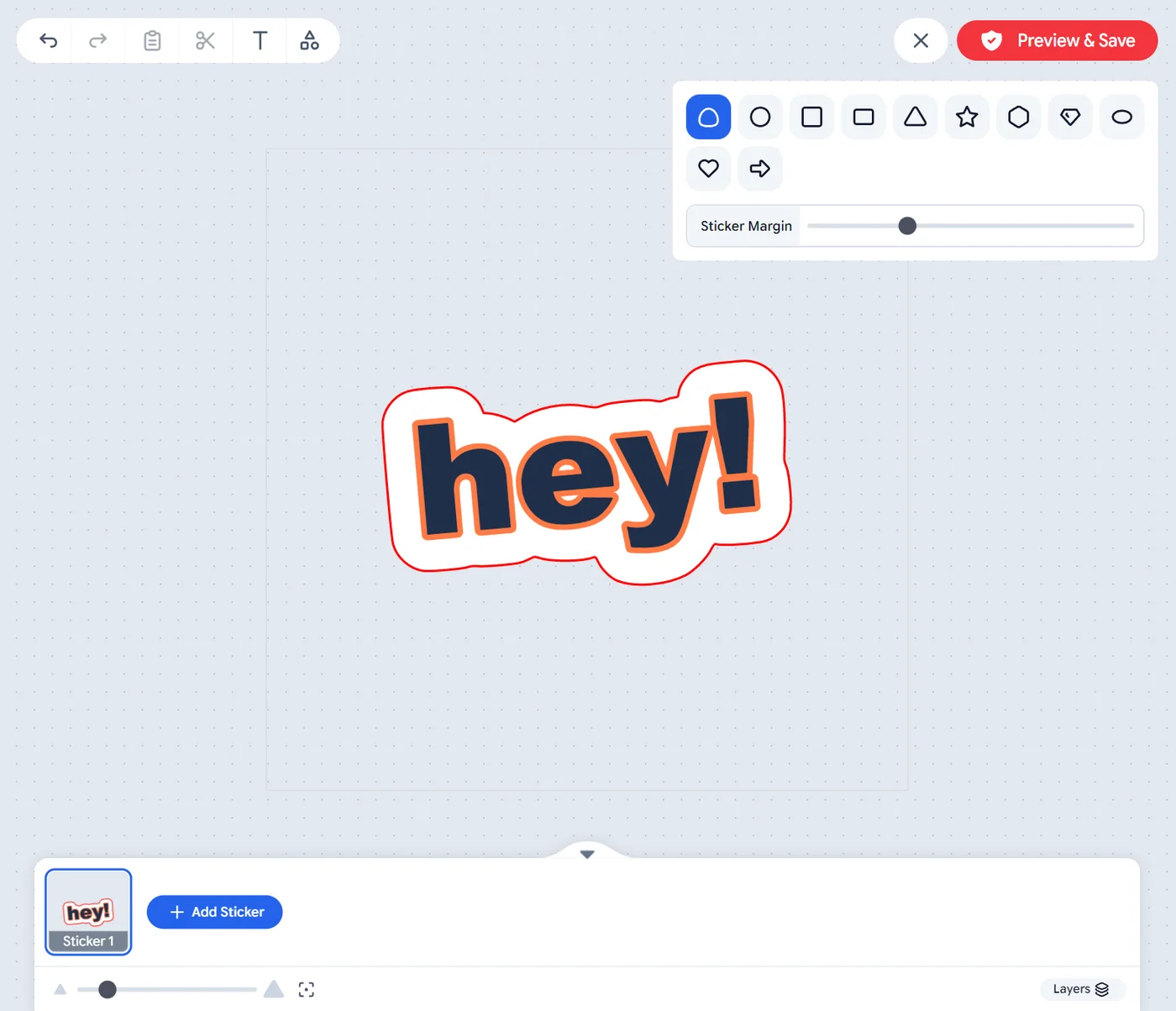
Customers pick a shape with one click: free-form, circle, square, rounded rectangle, triangle, star, hexagon, diamond, oval, heart and arrow. Each shape is the largest of its kind that fits the sticker size you sell, so a 10 cm sticker is a 10 cm circle or star. The artwork is scaled and centered to sit whole inside the shape, with your margin to the cut. Nothing is cropped, and the customer does not have to resize anything.
Everything outside the shape disappears from view, so the customer sees the sticker as it will look once it is cut. You decide which shapes a product offers and which one it starts with.
Most people order stickers in batches. Sell a fixed pack, such as eight stickers, or let customers add as many as they want between a minimum and a maximum. Each sticker is its own design with its own shape. Add Sticker starts the next one from a blank copy of your template.
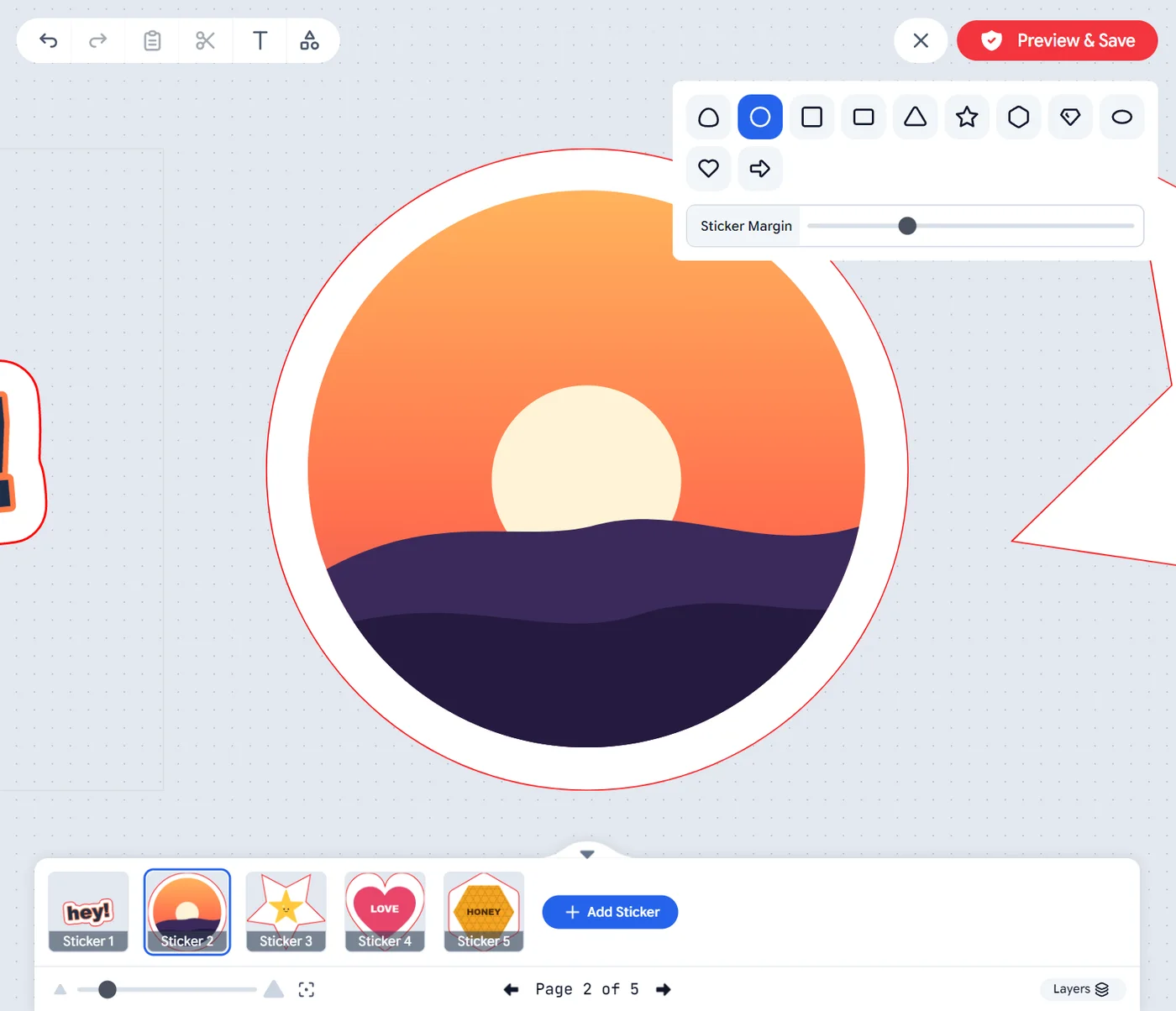
The count stays on your product page. A connector reads the number of stickers from a product option or the quantity box when the editor opens, and again whenever the customer changes it. As the customer adds or removes stickers, the product page follows. Your prices, quantity breaks and checkout stay exactly as they are.
Seven things the editor does, and what each one is worth to a shop that sells stickers.
| What you get | How | Why it works |
|---|---|---|
| No cut lines to draw | The cut line is traced from the artwork | Free-form stickers follow the artwork at the margin you set. Shaped stickers cut on the shape. Either way the line is in the file, as a vector, before the order reaches you. |
| No cropped logos | The artwork is fitted inside the shape | When a customer picks a circle or a star, their artwork is scaled and centered to sit whole inside it, with your margin to the cut. Nothing is cut off, and nobody has to resize anything. |
| Bigger orders | Sticker packs | Sell an 8-pack, or let customers add as many stickers as they like. Each sticker is its own design with its own shape, all in one order. |
| Your prices, your checkout | The count stays on the product page | The number of stickers follows a product option, and goes back to it as the customer adds more. Quantity, price and checkout stay in your store. |
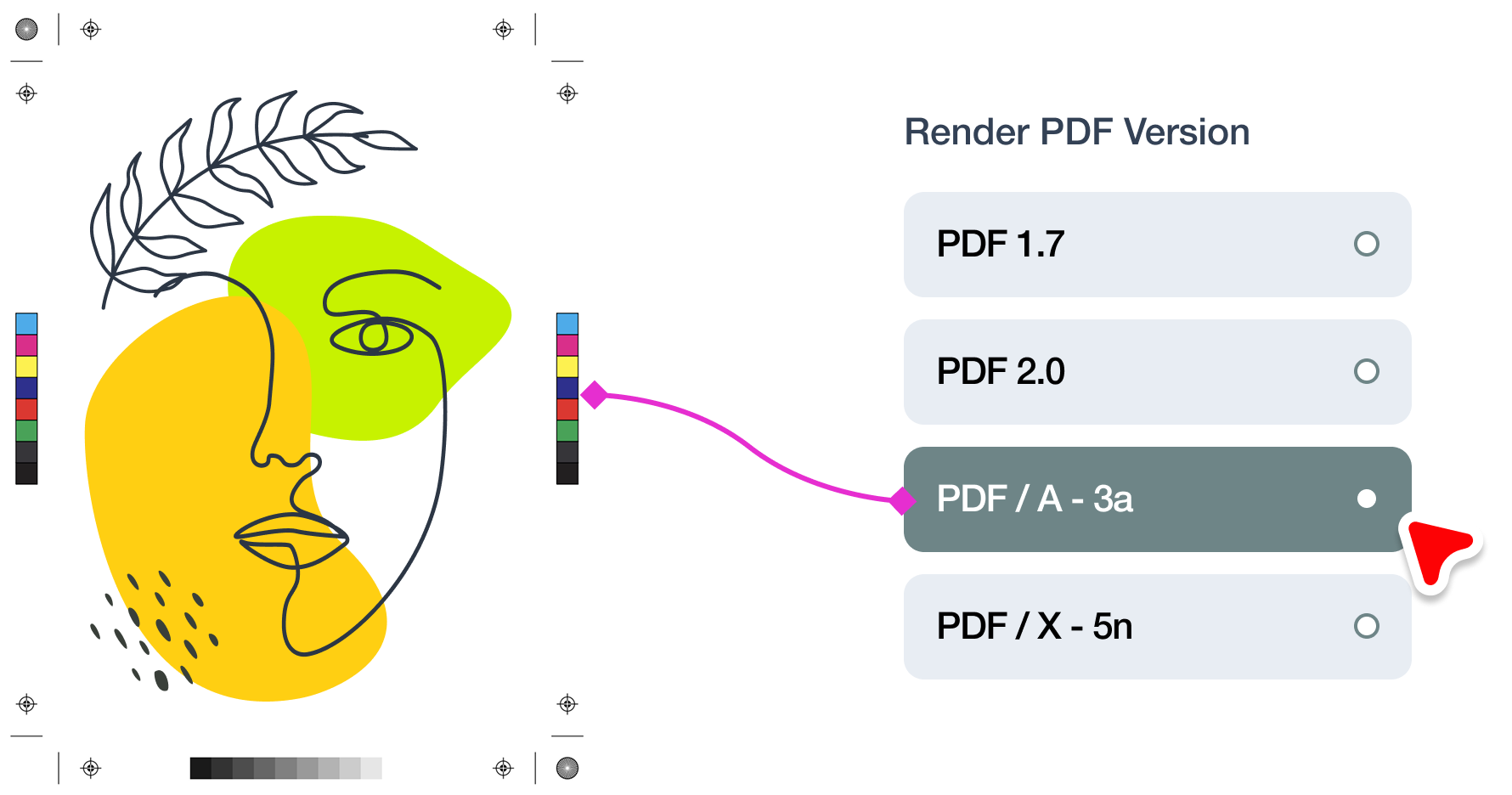
| Files your cutter reads | A named spot color for the cut | The cut line prints in a spot color you name, CutContour by default, set to overprint, so your cutter and RIP pick it up without anyone touching the file. |
| Fewer proofs | Customers see the sticker as it will be cut | Everything outside the cut disappears from view and the cut line is drawn over the artwork, so what the customer approves is what comes off the sheet. |
| Predictable cost | $0.10 per print file | No subscription and no commission. A single sticker and a pack of fifty cost you the same to process. |
100 print files a month are free, then $0.10 each. A shop with 500 sticker orders a month pays $40, whether each order is one sticker or a pack of fifty. There is no subscription, no setup fee and no commission, and you keep your own store, prices and checkout. To price stickers by size, material and quantity on the product page, Print Options is free.
Selling sheets of many designs for heat transfer instead? See the UV-DTF sticker sheet builder.
Install free, add the Stickers module to one design, and stop drawing cut paths by hand.

Free-form, Circle, Square, Rounded rectangle, Triangle, Star, Hexagon, Diamond, Oval, Heart and Arrow. You choose which of them a product offers and which one it starts with. Free-form follows the artwork. The others are the largest of their shape that fits your sticker size.
It is scaled down and centered so that it sits whole inside the shape, with the sticker margin as its gap to the cut line. When a customer adds more artwork later and it pokes out, the whole design shrinks just enough to fit again. Each fit is a single undo step, and anything the customer moves by hand stays where they put it.
On your product page, as you price anything else. A Page Clone connector reads the number of stickers from a product option or the quantity box, and a Page Count connector sends the editor's count back to it. Print.App never changes prices or the cart.
Yes. A fixed pack, such as 8, gives the customer exactly 8 stickers to design and no way to add or remove one. Or let the customer choose, between a minimum and a maximum you set.
A vector PDF with one page per sticker. Each page carries the artwork on the sticker's background color, and the cut line as a vector stroke in a named spot color such as CutContour, set to overprint. You can name the spot color to match your cutter and RIP.
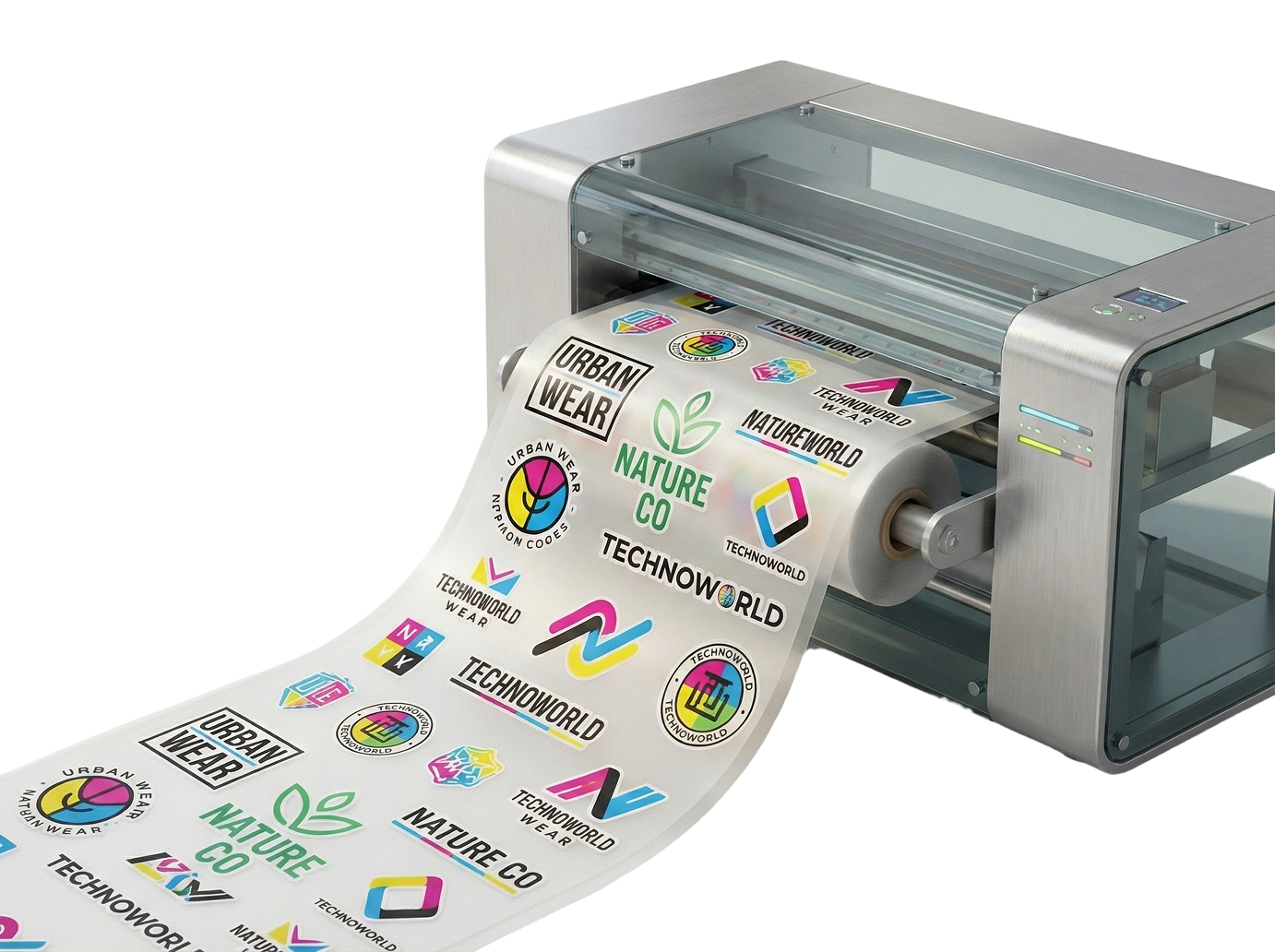
No. The DTF sticker sheet builder lays many designs on one roll for heat transfer. This page is about die-cut and shaped stickers: one design per sticker, each with its own cut line, sold one at a time or in packs.
Shopify, WooCommerce, Odoo, Shopware, PrestaShop and OpenCart, and any other site through the API. The editor is the same on all of them.
Yes, in the new editor, at no extra cost. Add the Stickers module to a design to turn it on. Stores created since August 25, 2026 start on the new editor. Older stores turn it on in the dashboard under Settings, Designer, with Switch to new Editor.


