
Your customers are already planning their holiday orders: gift tags for the family, cards for clients, matching jumpers for the office party. This year they don’t have to start from a blank canvas, and neither do you.
We’ve added a full Christmas range to the Print.App library, and a handful of new tools to help you sell it. Everything below is ready to add to your store today, in a couple of clicks.
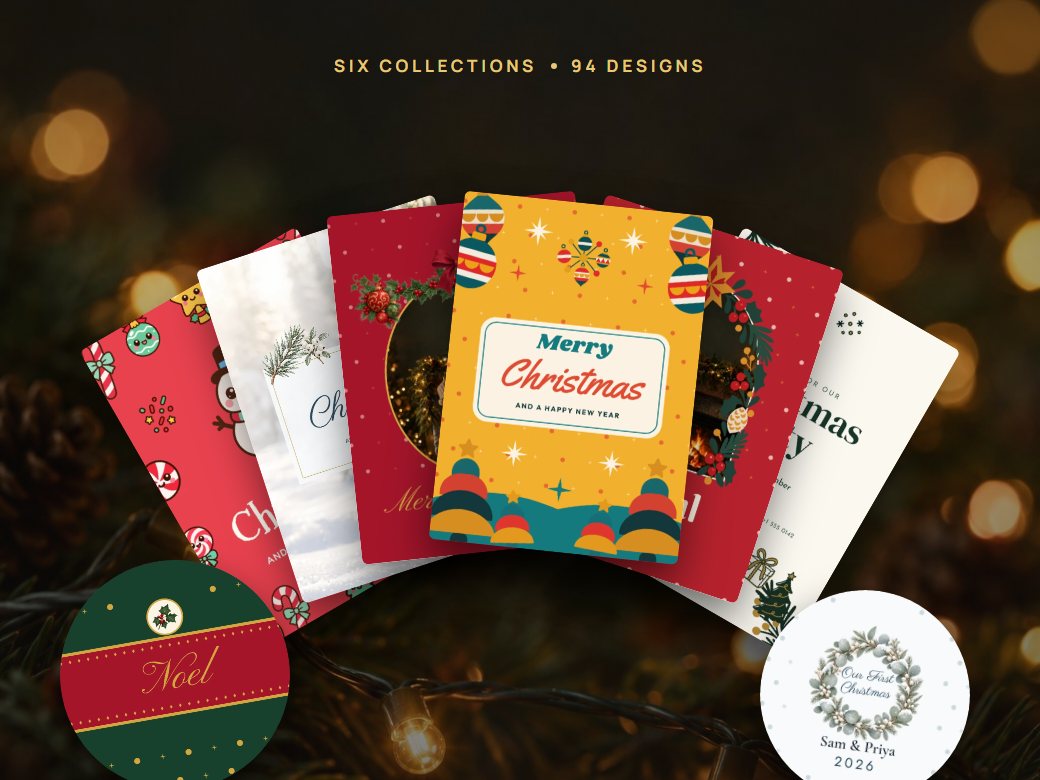
Six collections, each with its own personality, covering everything people actually order at Christmas: flat and folded cards, family photo cards, party and dinner invitations, gift tags, jar and bottle labels, gift wrap, mugs, ornaments, totes, jumpers and tees.
Every design is fully editable. Your customers swap in their names, dates and photos and they’re done, and because they start from something that already looks good, they finish (and order) far more often than when they face an empty page.
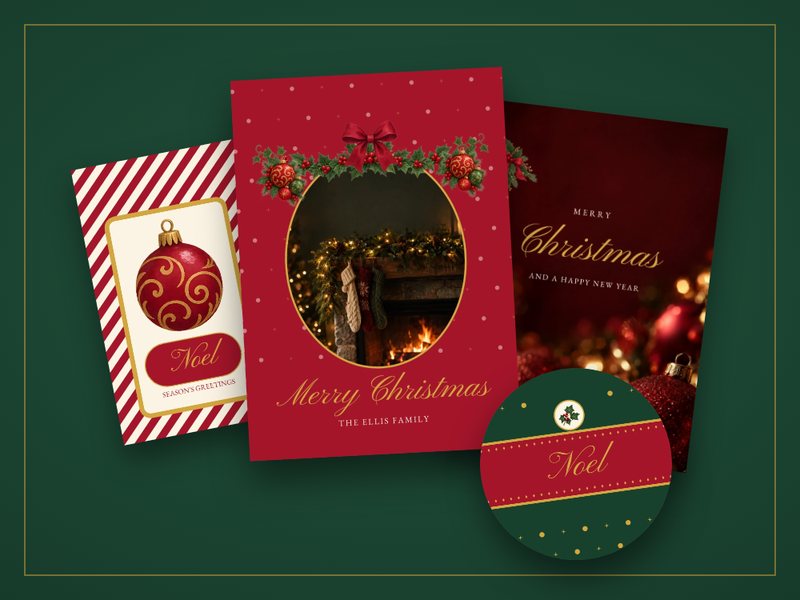
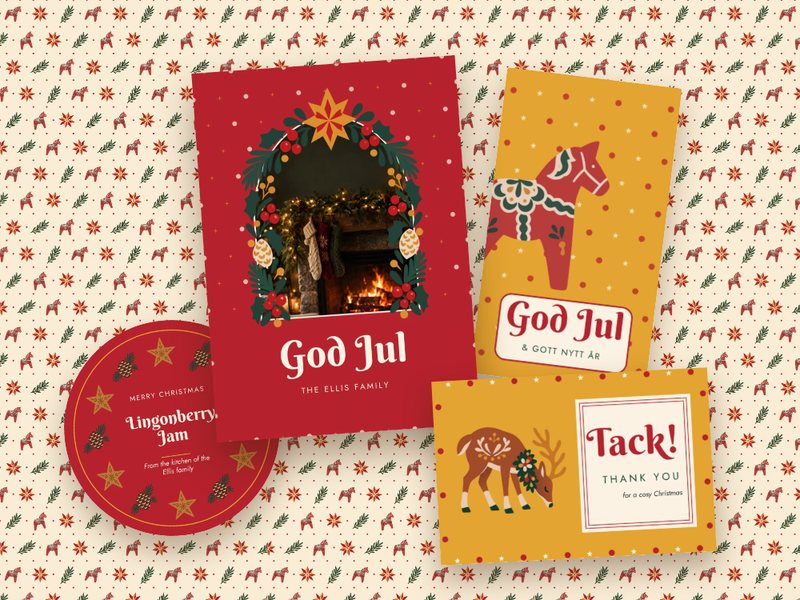
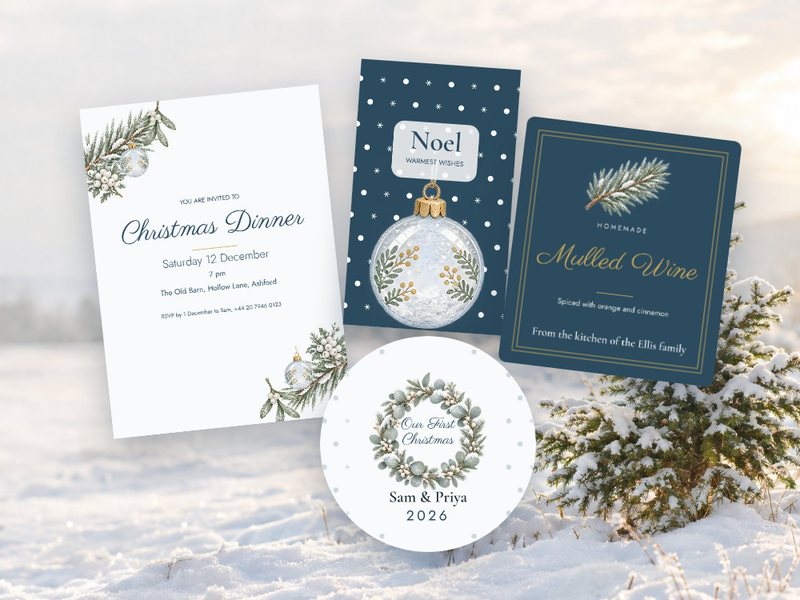
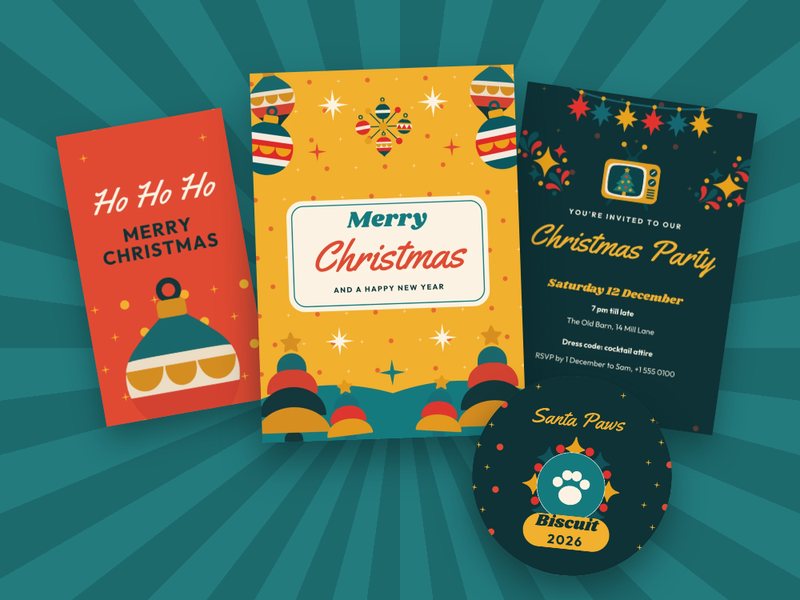
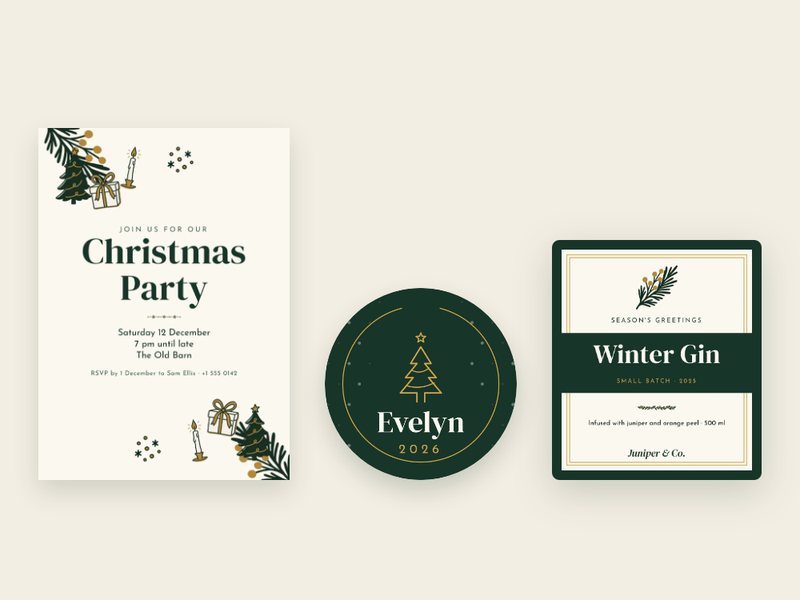
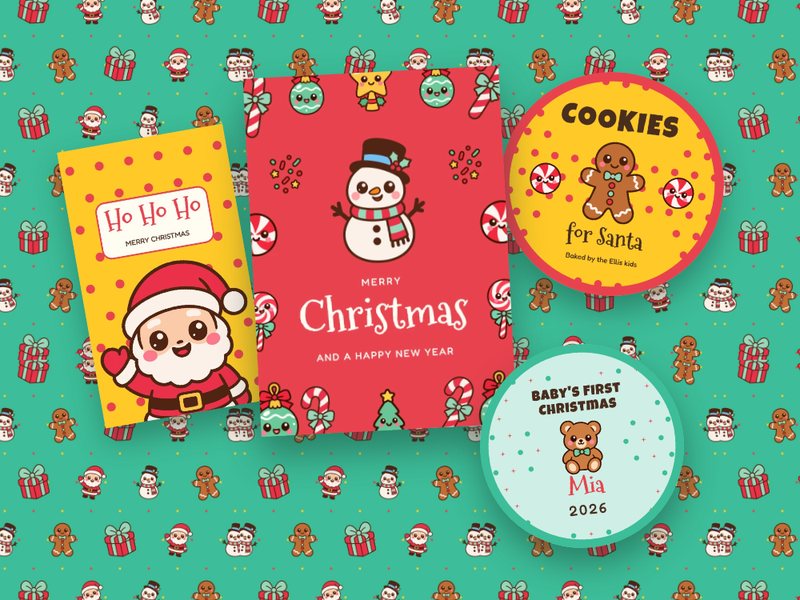
Importing them takes seconds. Open Import Designs in your admin, pick a collection (or just the designs you want) and choose the folder they go into. Each one is copied into your store, so you can adjust colours, fonts or sizes to fit your products before your customers see them. Designs you’ve already imported are marked, so you never add the same one twice.
Import the Christmas designs →
For customers who’d rather design from scratch, the graphics library has new Christmas kits in very different styles. Each kit is a complete set (illustrations, objects, frames, borders and little filler accents) drawn to work together, so whatever your customers combine still looks deliberate.
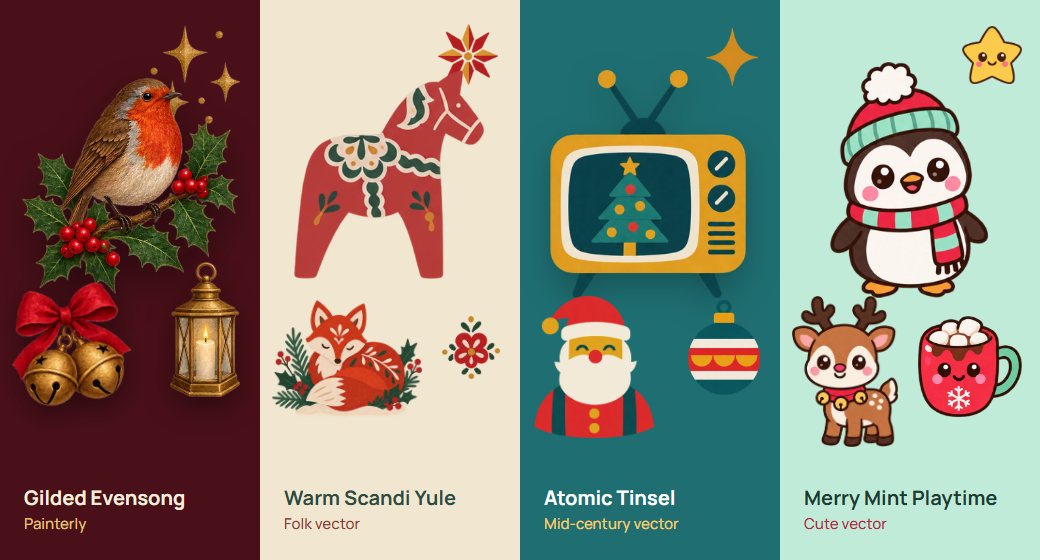



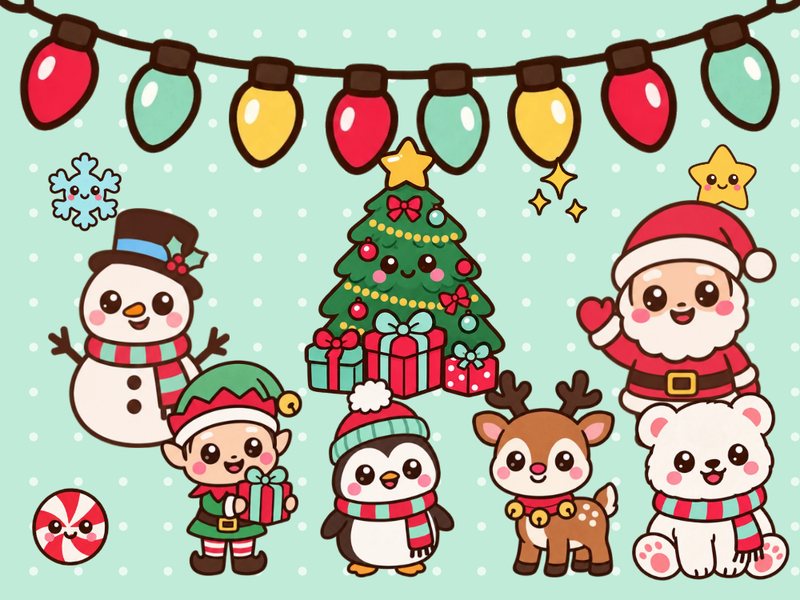
There’s more in the library than fits here, including two sets of Christmas photo backgrounds (warm candlelit scenes and bright white winter ones), and if you’re planning beyond December, New Year and Diwali kits too.
Tip: click Add to Pictures on a kit and it becomes a folder in your store that stays linked to the library. When we add new elements to that kit, your customers get them automatically, with nothing for you to update.
Customers see their design on the actual product before they order: mugs, apparel, folded leaflets, page-turning booklets and business cards. A Christmas mug that looks right on a flat rectangle can still surprise someone once it’s wrapped around a cylinder. With a 3D preview there are no surprises, which means more confidence at checkout and fewer reprints.
The editor’s Graphics panel now has a search box. Your customers type “reindeer”, “gingerbread” or “snow” and instantly find the right graphic, without scrolling through folders. Search understands what a graphic shows, not just its file name, and it covers backgrounds too.
You always have it when designing. To give it to your customers, turn on Graphics search for customers under Settings › Graphics, then choose what Search covers: the print.app store library, your own graphics (including anything you’ve imported), or both. You can also override both settings on any individual design.
Perfect for holiday merch runs. Customers upload their artwork, set sizes and quantities, and the sheet packs itself using your gap and rotation rules, ready for DTF transfer printing. They’re billed by the length of film they actually use.
Explore the Gang Sheet Builder →
Help is now built into your admin. Press ⌘K (or Ctrl+K on Windows), or click Ask a question, and ask anything about Print.App: how to set up a product, why a size isn’t showing, where a setting lives. The assistant answers on the spot, day or night, with buttons that take you straight to the right page, and it can handle simple tasks for you, like linking your product sizes to a design.
New to Print.App? It also walks you through setup: it reads one of your products, finds a matching design template, and links it for you once you approve. And when you’d rather talk to a human, Talk to a person passes the conversation, with your question and the assistant’s answer, to our team, and our replies arrive in the same place.
Holiday shoppers start early, and Black Friday is November 27. Add the Christmas collections now so they’re live in your store when your customers come looking.
Happy selling, and see you on our Discord channel.


