

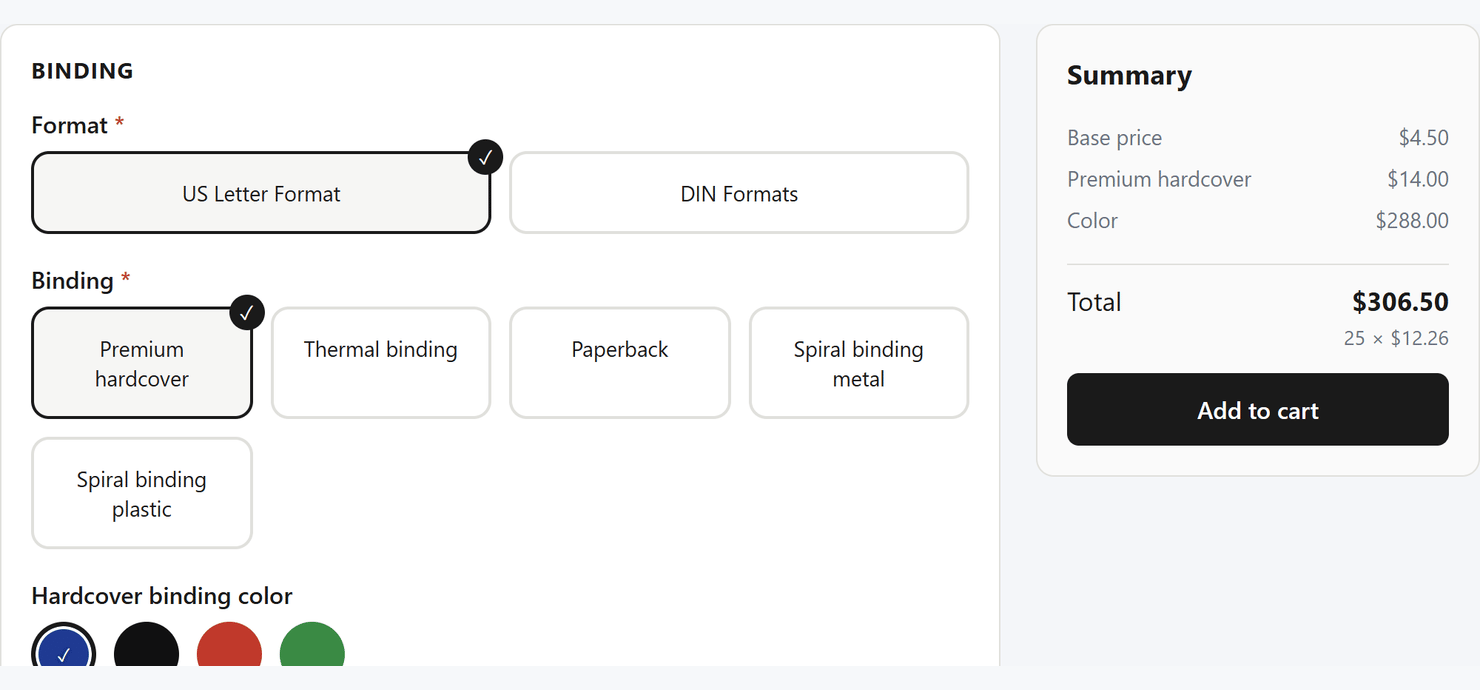
Print Options is free, on every platform it supports.
What it does
Options that price themselves
Quantity breaks, per-page, per-area and per-length rates, price
matrices, formulas, setup fees and minimum orders — the pricing print
shops actually use.
A visual builder
Start from print-ready templates, adjust the choices and prices, and
publish. No code and no JSON anywhere.
Artwork upload
Customers attach their files to the job. Optionally validated by
Filecheck with page counts and
preflight.
Prices you can trust
Every add to cart is recalculated on our servers, so a price edited in
the browser is simply refused.
How it works
- You build an option set — a named group of choices and pricing rules, usually started from a template like Business Cards or Flyers.
- You assign it to products. One set can serve many products; editing it updates all of them at once.
- Your customer configures and adds to cart. The configurator renders on the product page, prices live, and the job’s specification travels with the order for your production team.
Get started
Install on Shopify
Install the app, publish your first options, add the block to your theme.
Install on Wordpress
Install the plugin, create an option set, assign it on the product page.