

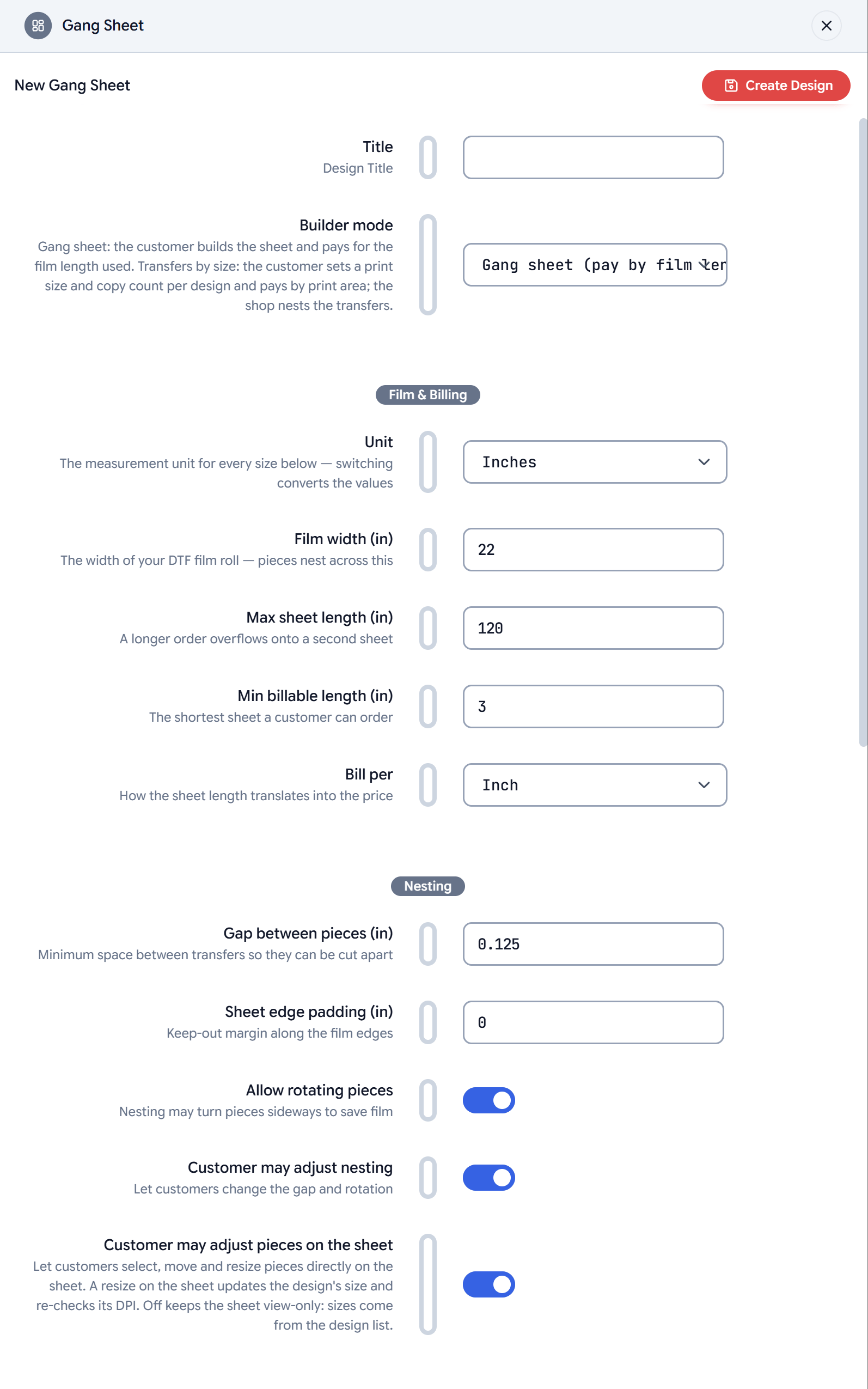
Projects take a snapshot of these settings when a customer starts
building. Changing a setting affects new projects only — a sheet a
customer saved on 22” film stays on 22” film when they resume it.
Builder mode
Most of the settings below apply to both modes. Transfers by size hides
the ones that only make sense for a customer-built sheet (billing
increment, customer nesting), and prices by area instead of length — see
Pricing.
Film and billing
A length the customer picks is a minimum. The sheet is drawn at that
length and billed for it, and the summary shows the empty part as length
they are already paying for. If the designs need more film, the sheet grows
to what they need (the next sheet length on fixed sheet lengths) and the
summary says so. Without sheet lengths or typed lengths, the builder has no
length picker and the sheet always fits the designs.
Nesting
Quality
Text pieces and SVG graphics from the gallery are vectors and never carry
a DPI verdict.
Uploads
Design tools
Each switch adds a control to the builder. All four are on by default.
See Design tools for how each behaves.
Sticker sheet
Turn a gang sheet into a print-and-cut sticker sheet: every design gets a cut line following its shape.
Each design’s box on the sheet grows by the border and the bleed, so the
Gap between pieces is the space between neighbouring cut lines’ borders.
Set it to what your cutter needs between stickers. The Outline tool is
not offered on a sticker sheet: the border is the outline. Sticker sheets
are view-only on the canvas, with sizes set in the design list. See
Sticker sheets for what the PDF holds.
Pricing
Print.App does not price the sheet; your store does. These two fields connect the builder to the product page.
Pricing walks through each path with numbers.