> ## Documentation Index
> Fetch the complete documentation index at: https://print.app/docs/llms.txt
> Use this file to discover all available pages before exploring further.
# Texts and Fonts
### Texts
Print.App has two basic Text types:
1. **Expandable Text** - stretches the container as you type
2. **Wrap Text** - does not stretch the container but wraps to the next line when the text reaches the end of the container
At the click of a button, you can toggle between these types. Texts can also be anchored to the top, middle, or bottom of the canvas to direct the flow of additional text lines.
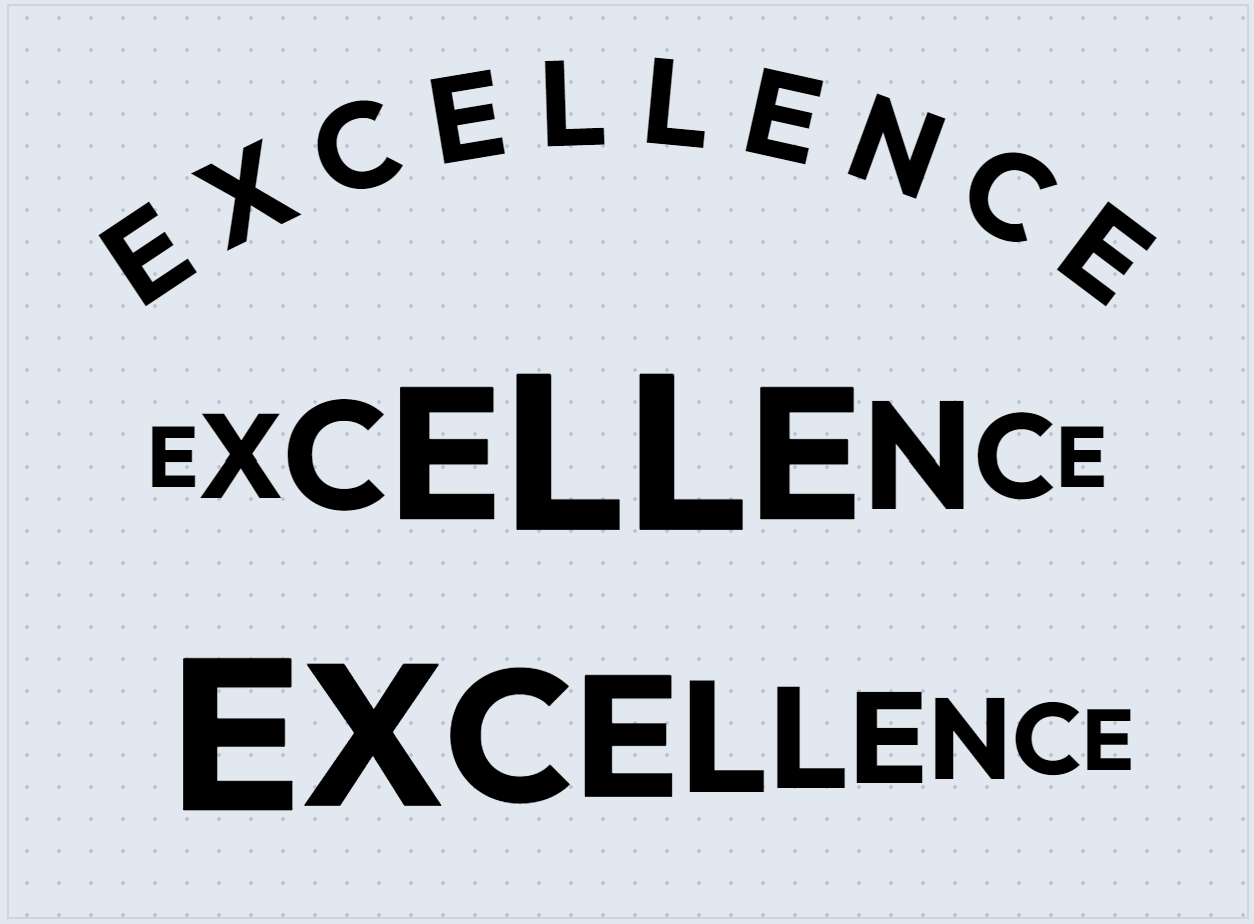
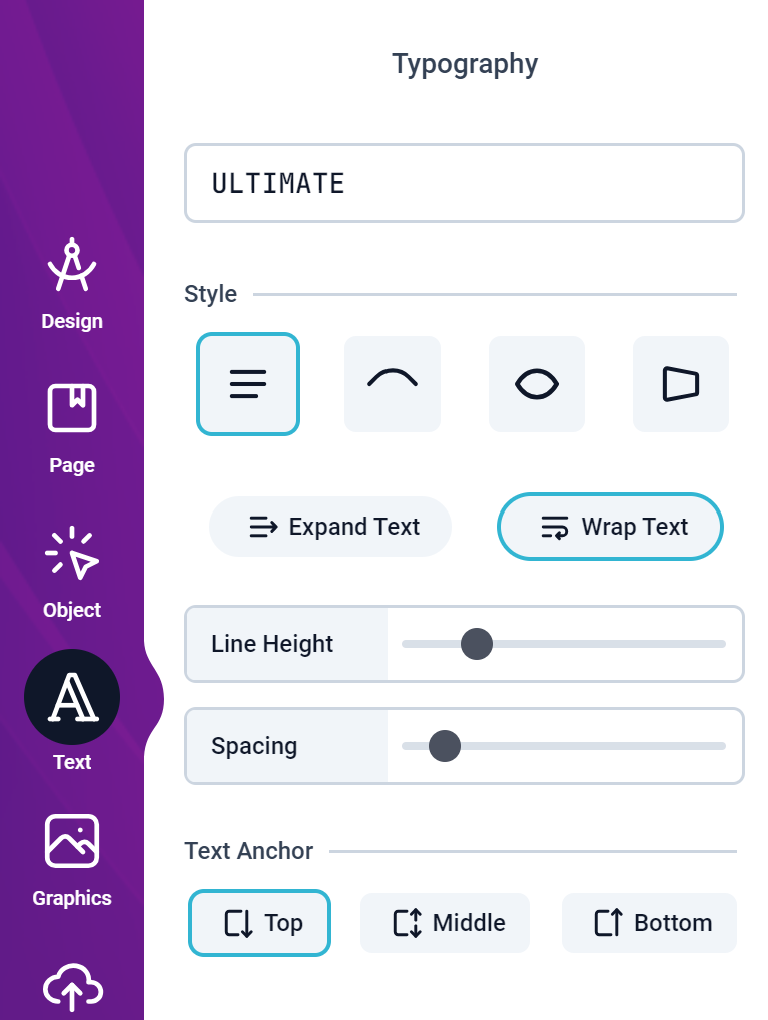 It also features a variety of styles to choose from, including:
* **Curve** - text follows a curve which can also be reversed
* **Bulge** - text bulges outwards or inwards
* **Perspective** - the text gradually shrinks or expands from one side to the other
It also features a variety of styles to choose from, including:
* **Curve** - text follows a curve which can also be reversed
* **Bulge** - text bulges outwards or inwards
* **Perspective** - the text gradually shrinks or expands from one side to the other
 With Smart Objects, you can make your text editable in a Form or even drive certain aspect of your text value from a data source or CSV file.
[Read more about Smart Objects here](/guides/designs/design-smart)
### Fonts
By default, your domain has access to a collection of fonts and you can also upload your own custom fonts.
With Smart Objects, you can make your text editable in a Form or even drive certain aspect of your text value from a data source or CSV file.
[Read more about Smart Objects here](/guides/designs/design-smart)
### Fonts
By default, your domain has access to a collection of fonts and you can also upload your own custom fonts.
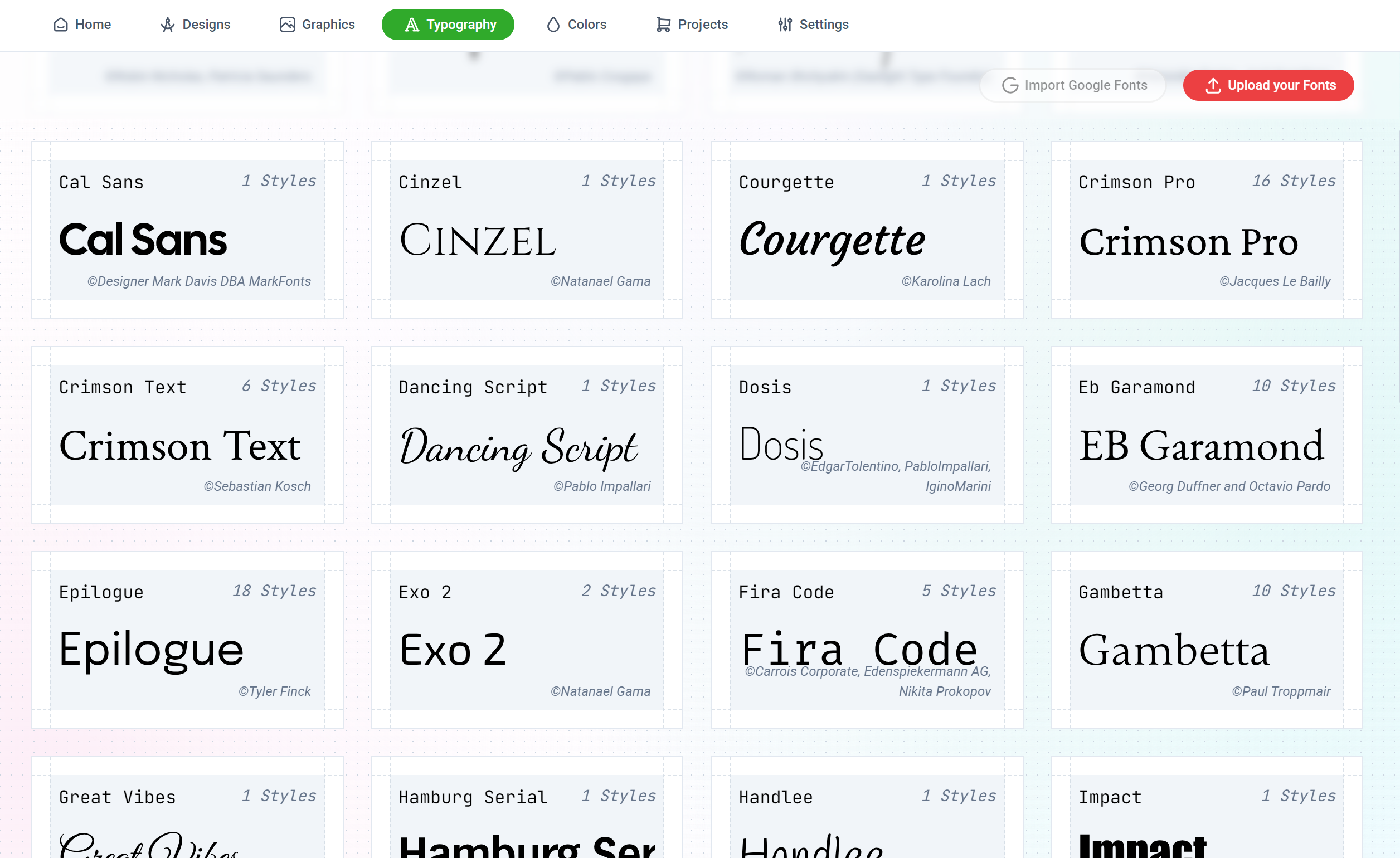 You can upload all standard font weights and styles from Thin to Black, Regular to Italic, and everything in between.
#### Font Types
The following types of fonts can be uploaded:
You can create a Resource Profile to assign certain fonts to a Design Template. This way, only the fonts you've selected will be available for use in that Design Template.
[Read more here](/guides/designs/assign-resources)
You can upload all standard font weights and styles from Thin to Black, Regular to Italic, and everything in between.
#### Font Types
The following types of fonts can be uploaded:
You can create a Resource Profile to assign certain fonts to a Design Template. This way, only the fonts you've selected will be available for use in that Design Template.
[Read more here](/guides/designs/assign-resources)